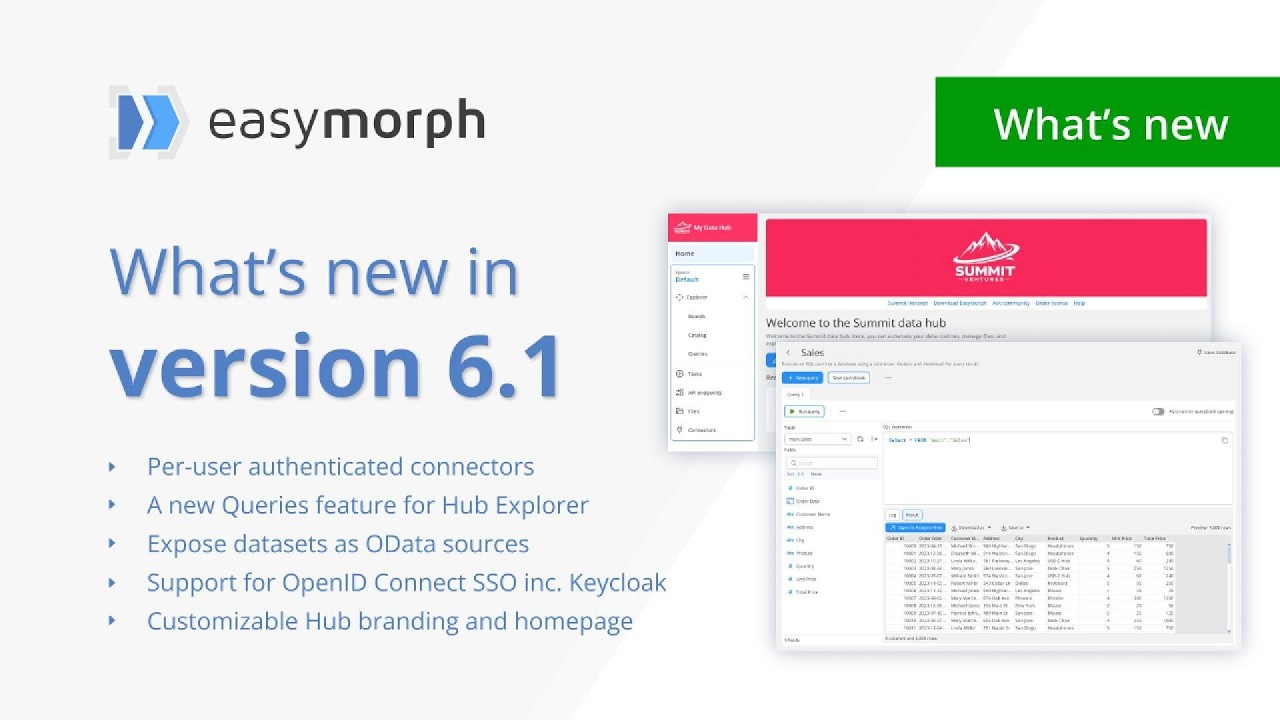
We recently released version 6.1 of EasyMorph Hub and EasyMorph Desktop. There are some major new features and improvements, including:
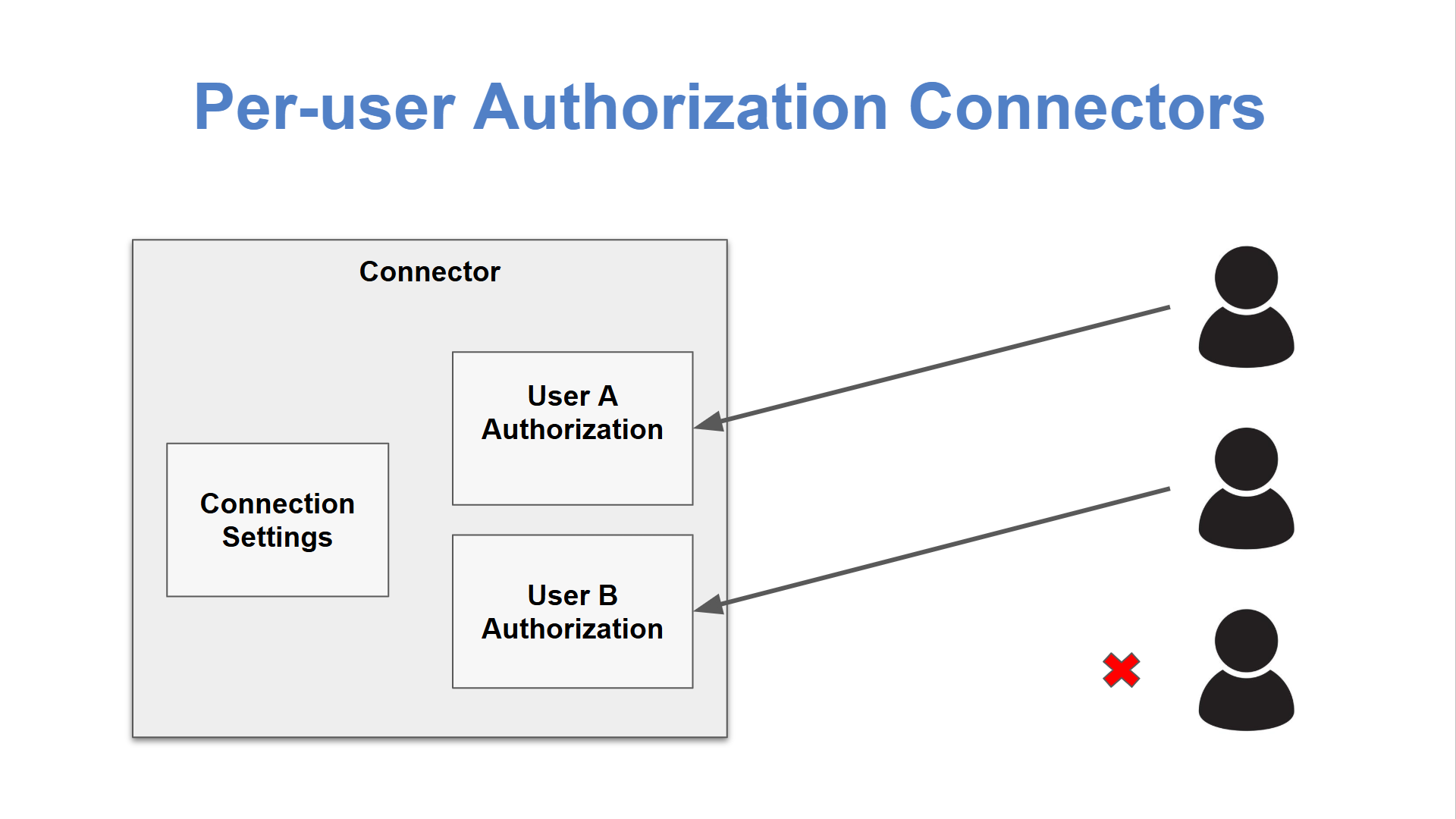
Per-user connectors - Create connectors which each user has to authenticate for themselves. For example, create an email connector, configured to connect to the right email server, port, etc; and then let each user provide their own username and password.
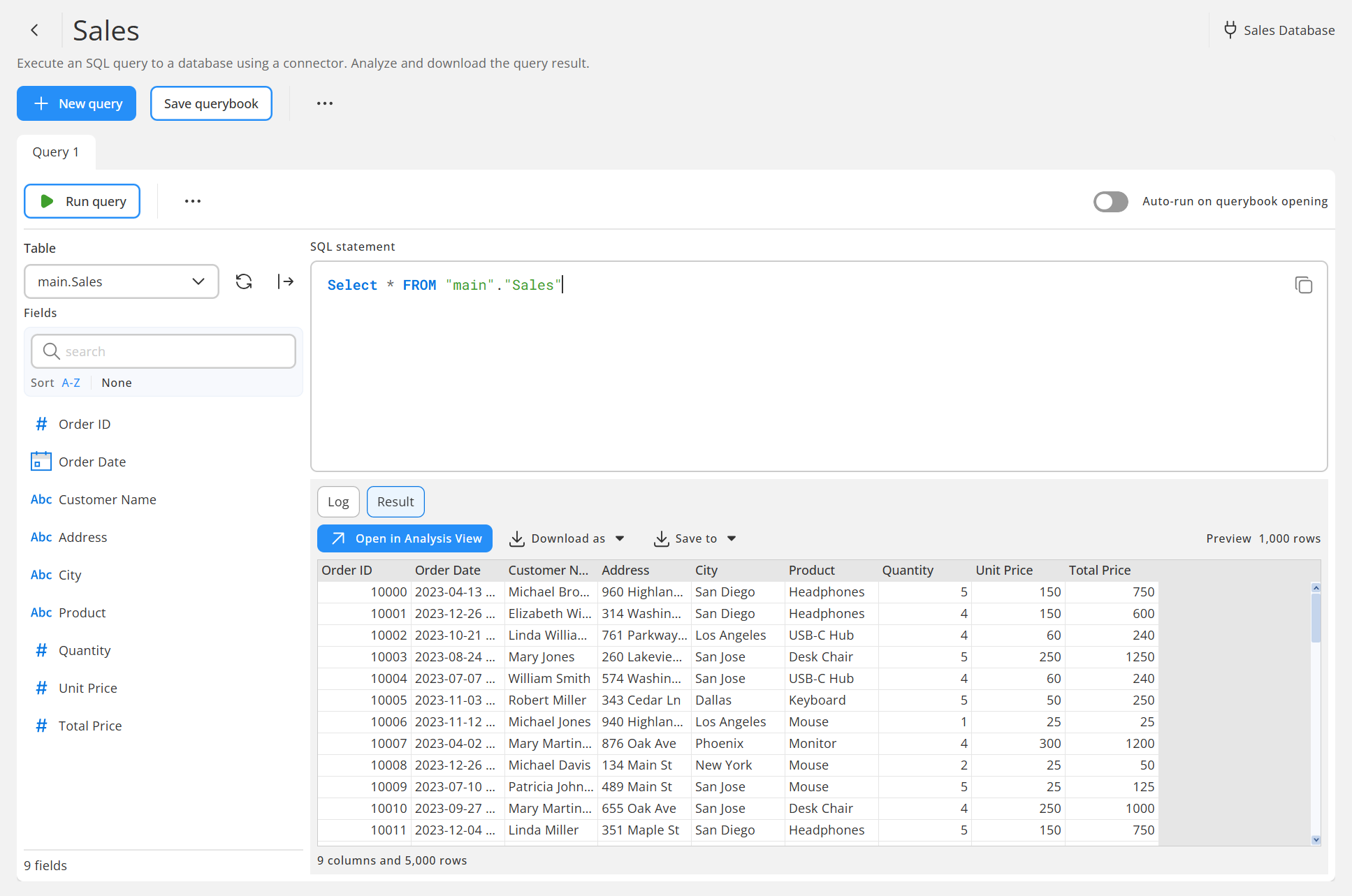
A new Queries feature for Hub Explorer - Create and run SQL queries directly from EasyMorph Hub, view the returned data in analysis view or download it as a CSV, Excel spreadsheet or other file format. Or save the data to Hub so you can make it a Catalog asset.
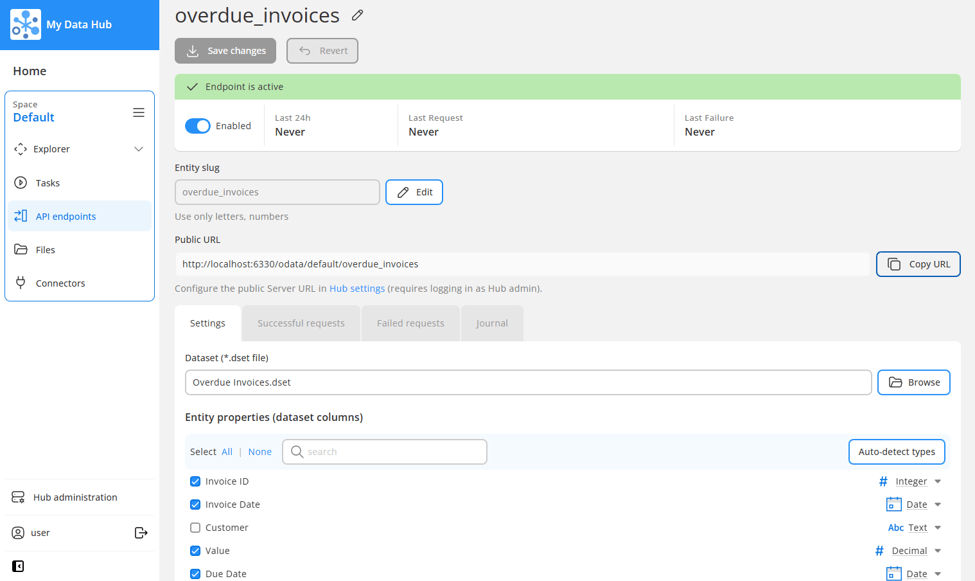
Expose datasets as OData sources - Make any EasyMorph dataset file (.dset) an OData feed in just a few clicks. This makes it possible to pull data directly from EasyMorph into any other data or BI tool which supports OData sources, including Excel.
OpenID Connect identity provider - You can now integrate with single sign-on services such as GitHub and Keycloak.
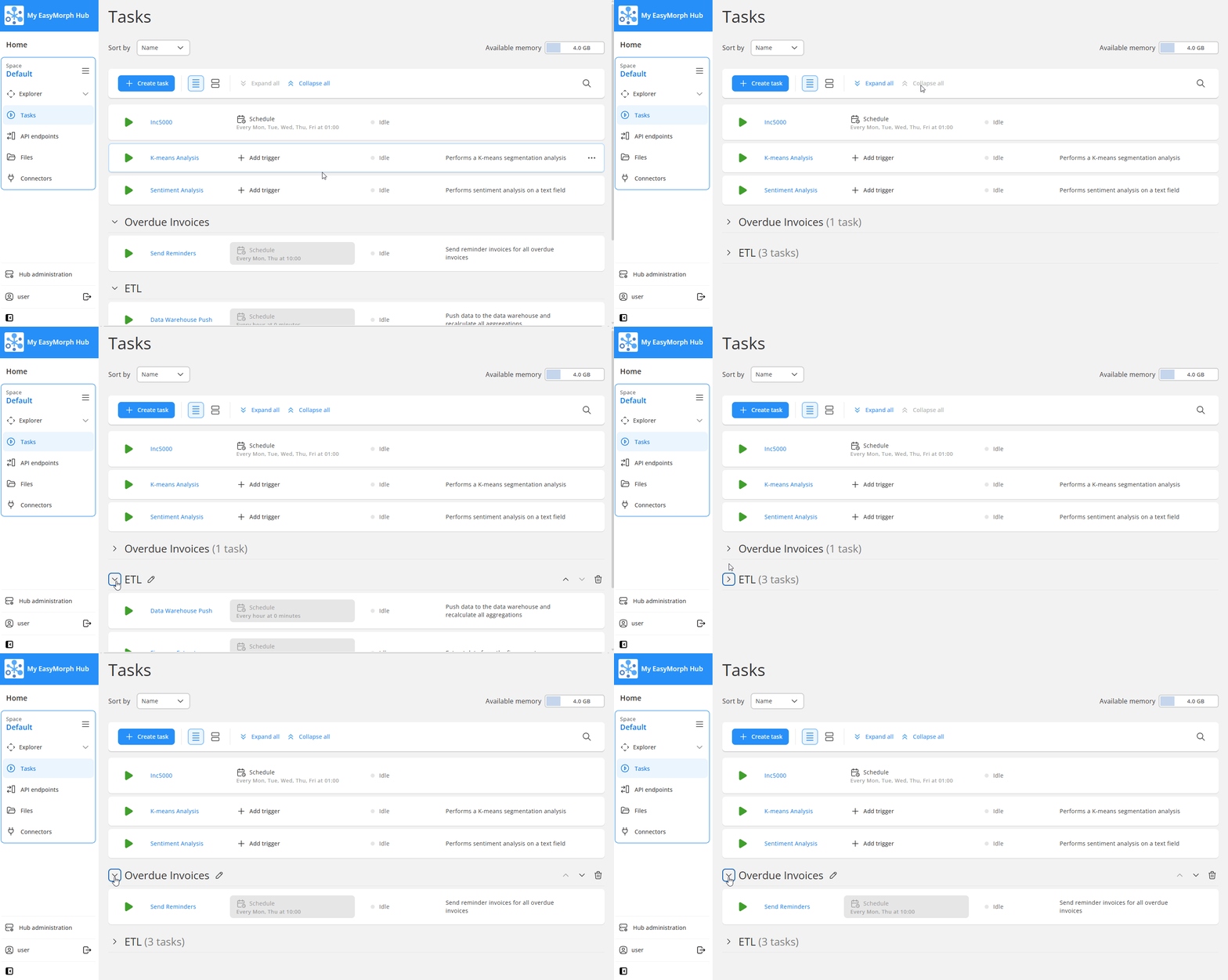
Collapsible Task groups - Collapse groups of tasks on the Tasks page, making it easier when you have large numbers of tasks.
Additional config for Metric and State Catalog assets - You can now define and edit Metric asset thresholds and State asset rules directly within the Hub web user interface.
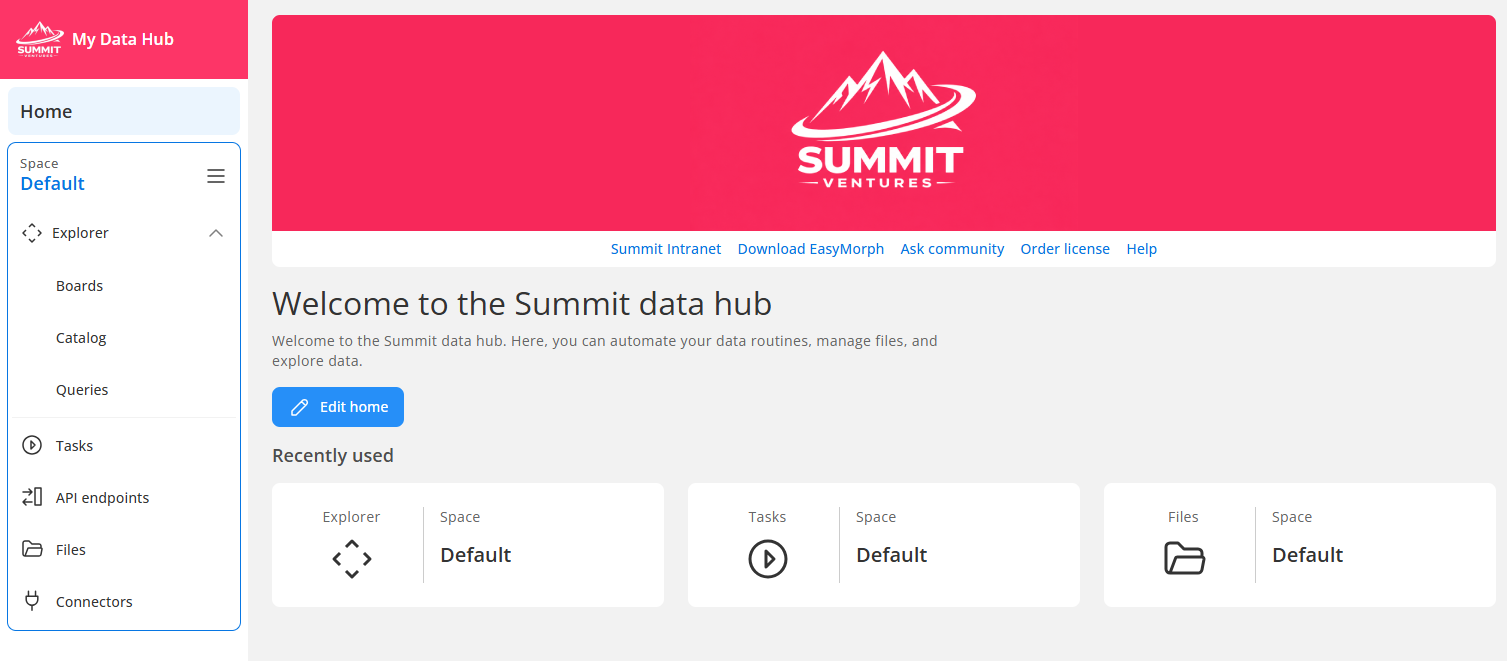
Customizable Hub branding and homepage - Add your own logo and banner, customize the homepage text and colors, and even add your own links.
Parameters in Issue attachments - Calculated Catalog assets used as attachments to Issues in Explorer Boards can now optionally have parameters either preconfigured or prompt the user to enter values.
Parameters in Board shortcuts - In the same way, calculated Catalog assets used as shortcuts on Explorer Boards can also have parameters configured.
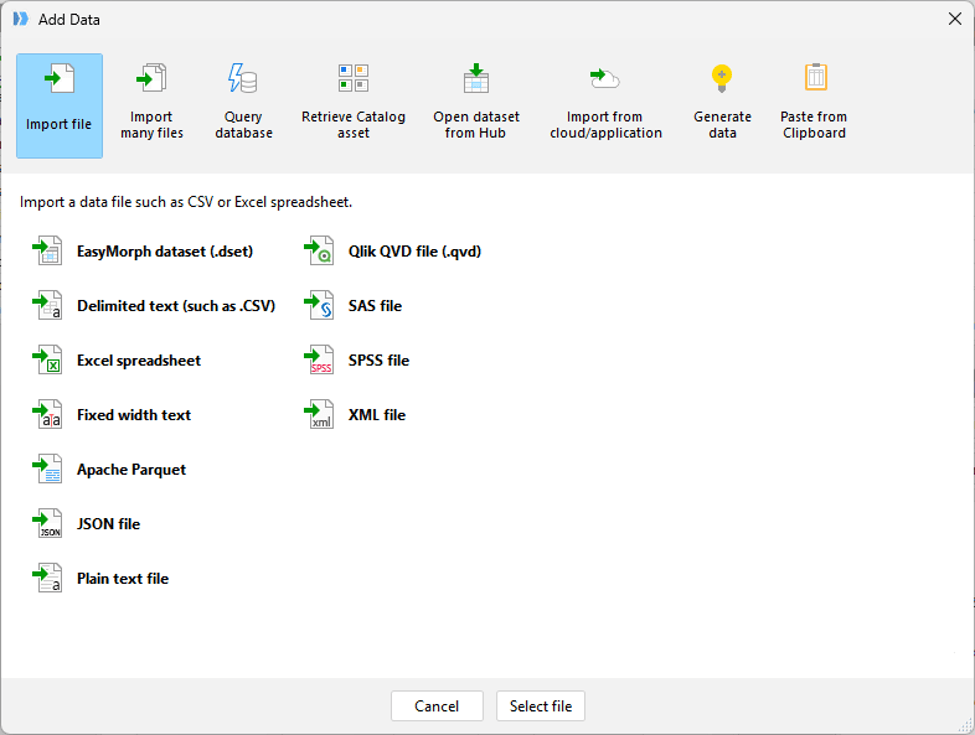
A new “Add data” dialog in Desktop - When clicking on the "Add data" button in EasyMorph Desktop, a new dialog makes it easier to find the type of data you want to load and get started building your workflow.
Other Changes - As always, there are a myriad of other improvements.
For more information about these new features and to see them in action, you can check out the release announcement video below or read the full blog post on our website.
It's very interesting ! If I had to vote for my favorites, it would be the query editor in the web browser and the Odata source access point in Excel.
The query editor because when your database is done for reporting, with smart business views ready to use, sometimes you just want to query it quickly, and not really build something on top of it. Like a simple search, a simple extract. This can save a lot of time.
The Odata source in Excel is just perfect for Excel pro users. They call the source, they get their table. It's straight, easy to integrate on their side. All the stuff remains on the server side, with IT guys behind it for example.
These two points are real game changers and in combination with the playground (announced for version 6.3) it will be the ultimative way to get all relevant data on one way as a self service.
Yes, that's exactly how we envisioned it - a simple, handy tool to quickly query a database. What makes it even more useful is the ability to open the query result in Analysis View.
When we add Playground in v6.3, it will be possible to open query results in Playground as well (as @Jochen_Marquardt already mentioned).
Our goal is to make Hub a platform with tightly integrated tools - Queries, Analysis View, Playground, Catalog, Issues, etc. The users will have the freedom to use and combine tools according to their skills and goals:
Glad you guys like these features. It's always great to get positive feedback and hear about how you envision using the features the team work hard to deliver.
One of my favourite things about Queries in Hub is that they present a solution for an age old problem. Having worked with hundreds of companies over the last 25 years, it's scary how common it is to come across people who aren't experienced DBAs or data engineers but who are writing and running queries against production systems. More than a few times I've seen a business grind to a stop because one of these users unintentionally made a mistake and as a result ran a query that consumed all of the available resources on the database. Because create, edit and execute permissions can be set separately for Queries in Hub, the DBAs/data engineers can write queries that are "safe" and give permissions to business teams to run them as and when they need, safe in the knowledge they can't accidentally modify it and break something.
Its also alarming how many times I've come across people using the SA account to run their SQL against a database. Because Queries in Hub use connectors, IT can configure the connector the querybook is using and there is never a need to share credentials with end users.
Oh, and they work with the new per-users connectors (currently limited to PostgreSQL databases only but we'll be adding support for more in future versions) so if you do wish each person who runs the query to provide their own credentials and thus have differing access to the data in the database, we've got that covered too.