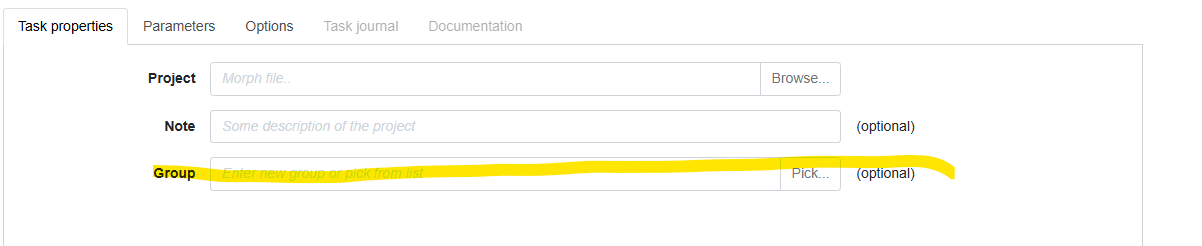
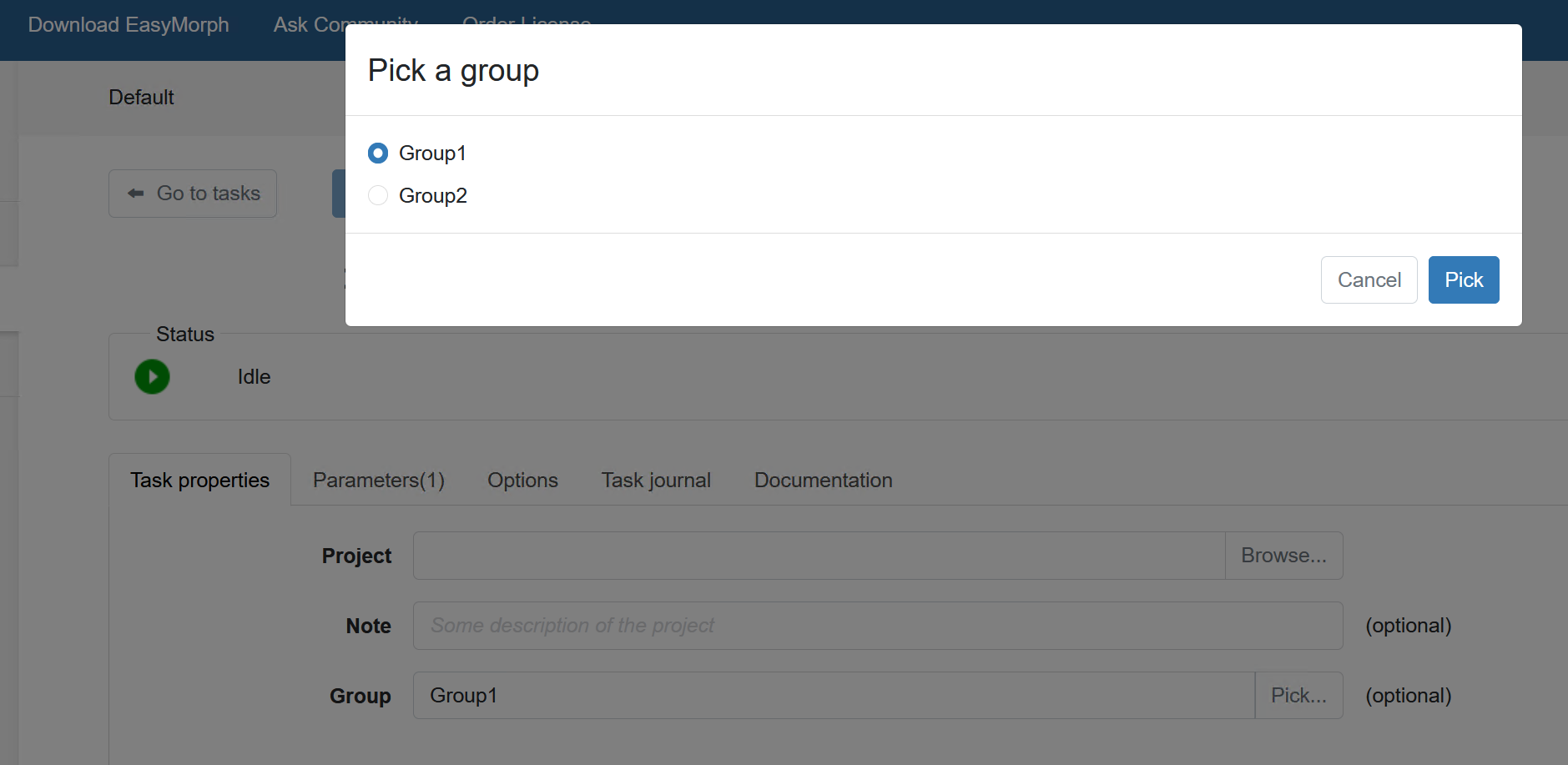
I figured it out, and this is a super handy feature. Would love more robust documentation in the future.
Point taken! I'd also suggest at least scanning through the Release Notes for every new version. There are useful additions in almost every release.
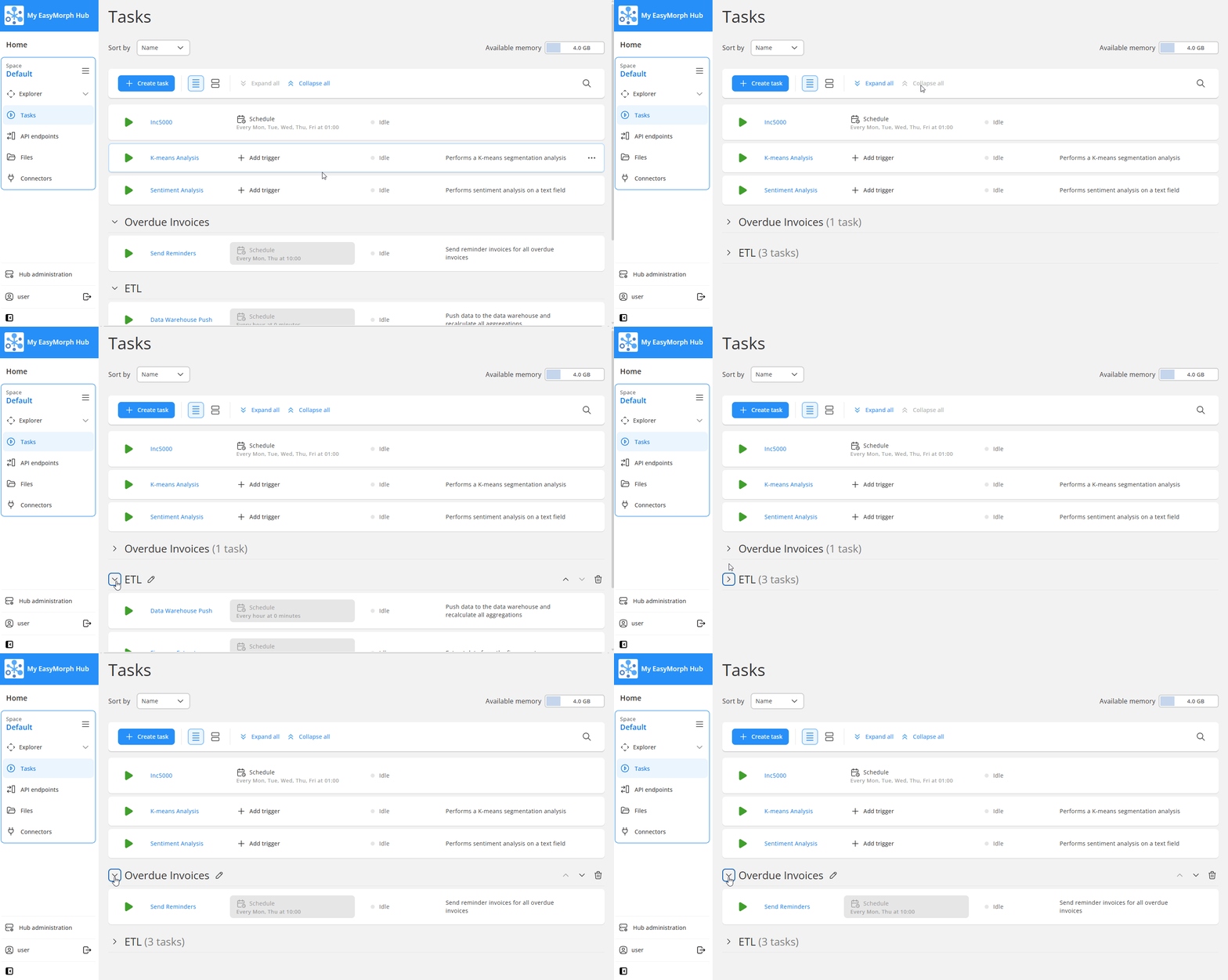
In version 6.1, due to be released any moment now, you'll be able to collapse and expand the groups on the Tasks page, making it easier to work with when there are a large number of tasks configured.
We also publish a blog post and video of all of the major new features and improvements in each release. You can find them in the blog section of our website here https://easymorph.com/blog