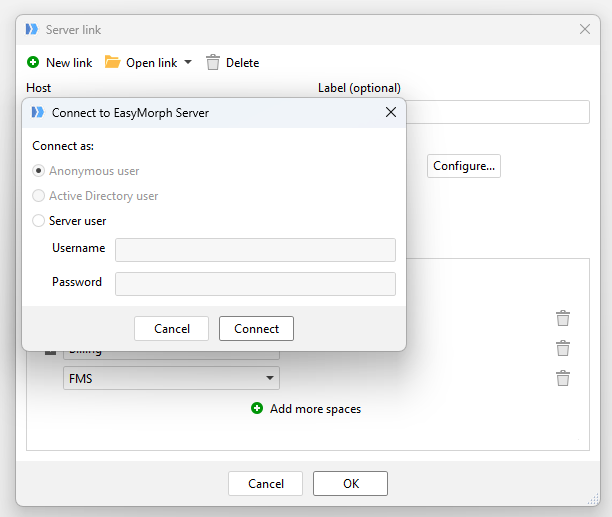
It seems that there is a discrepancy between the same permission groups when directly using the server (web) vs when I try to access the server on my local copy of EasyMorph. I’d like to step you through how I am using with permissions on the server.
Lets look at our Billing Space:
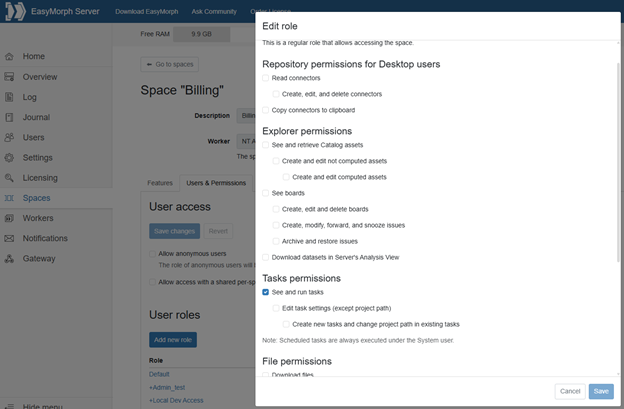
First, the Default permissions are mostly restricted with only [See and run tasks] selected. I envision that the Default permission will be used for the staff running the projects.
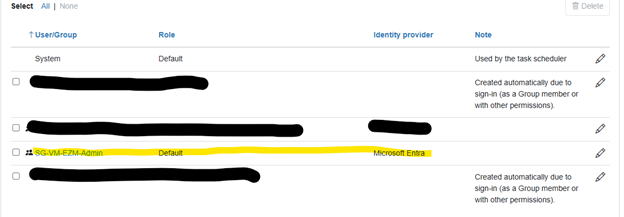
I am part of the SG-VM-EZM-Admin Entra group. We see that this group only has the default permissions.
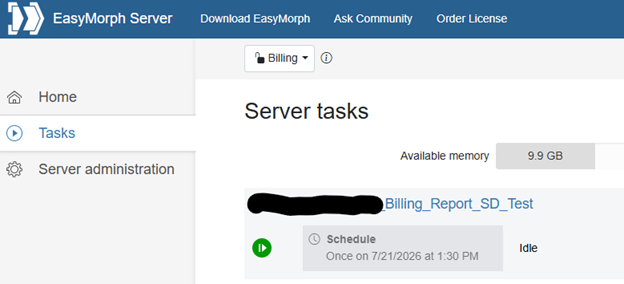
It appears that the default permissions are properly being applied on the Hub (server):
After closing and reopening EasyMorph desktop on my local machine it appears that the permissions are also correct on my local copy of EasyMorph:

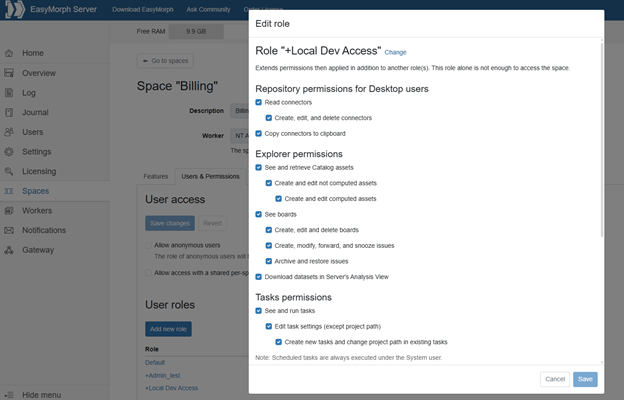
But when more permissions are granted to that Entra group I see an issue. I add the [Local Dev Access] User Role to the group.
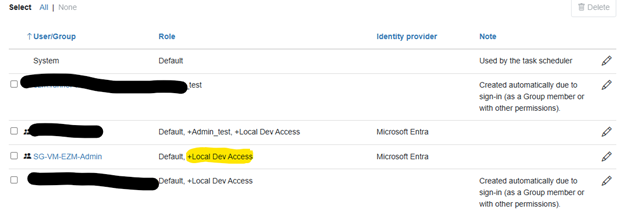
Those changes seem to be reflected in the Hub. You can see that the Files tab is now available. I also confirm everything is working this through its functionality.
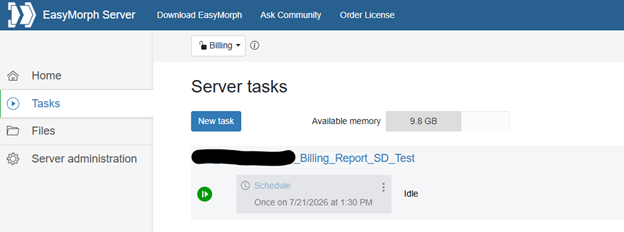
But when I return to the desktop instance (after closing and opening again) there are no changes to functionality:

The only way I can gain access to that space on my local copy of EasyMorph is to add myself as a User to the user list and grant myself the same permissions. This is a real problem as we have several ETL devs and we need to add them as a group with the same permissions. Adding them individually increases our workload and labor needed to administrate permissions on the Hub.
I’m hoping you have a solution for this. Thank you for your time.