Is it possible for sent emails to also appear in the "Sent Items" mailbox? I know this can be configured in Graph, but I can't find it in EasyMorph. Sometimes it is useful to know if an email has been sent, and this allows you to scroll back/check.
By default they should appear in "Sent" too. What email service do you use?
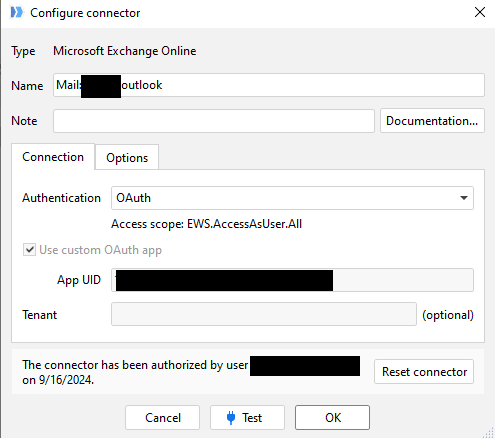
@IGO, the current implementation when sending messages through Exchange is that only messages with attachments are saved in the Sent folder. We can't just change this behavior since it will be a breaking change. We'll discuss internally if something could and should be done about the current behavior.
Thanks, and indeed a message with a file is in the sent folder.
I also so it for alerts and those only have a message no file.
Most alerts are send to myself, so no problem, But we also have a proces to inform a user that something happend. And i wanted to check if the message has been sent correctly.
@IGO, we have decided to make all the messages to be saved in the Sent folder regardless of the presence of attachments. Since it's a breaking change, it will be implemented in version 6.0.0, which should be released in a month.
1 Like
To add to @andrew.rybka's reply, a few ways how to keep track of sent emails (or any other notable events) in workflows:
- Use the "Export plain text" action to write/append a simple log file
- Send notifications to a Teams or Slack channel
- Use the "Status" action to log a custom status in the Server task journal entry
1 Like