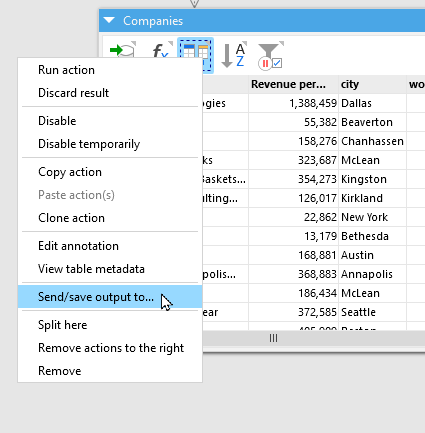
It is actually possible to get an extract of the actual state of your data by right clicking the action of the desired state there you can choose the format (dset, csv,…).
You can already save the result of any step by right-clicking the action (not the table), and chosing "Save/send to" (see below). By the way, XLSX is also supported.