It is driving me crazy!
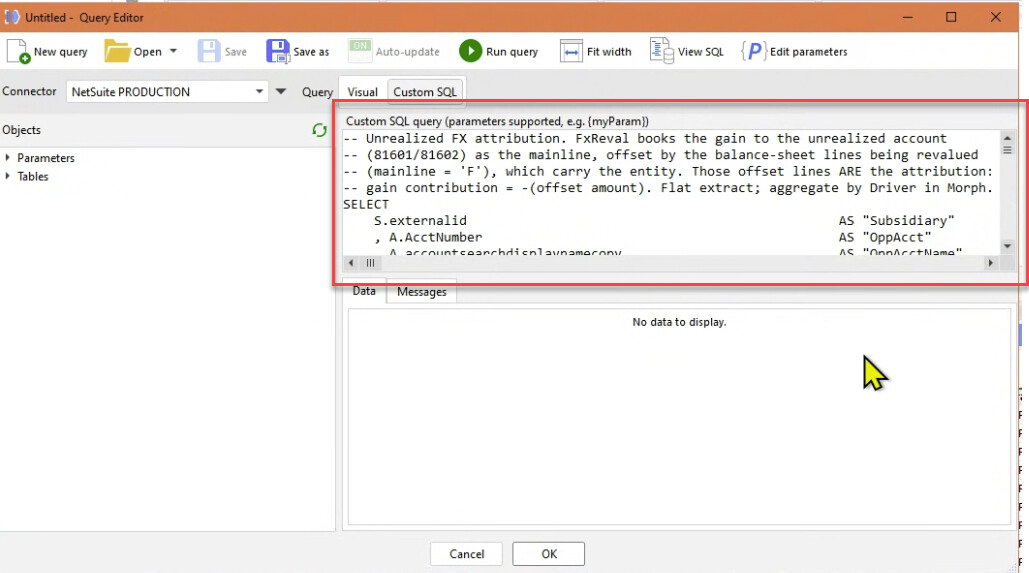
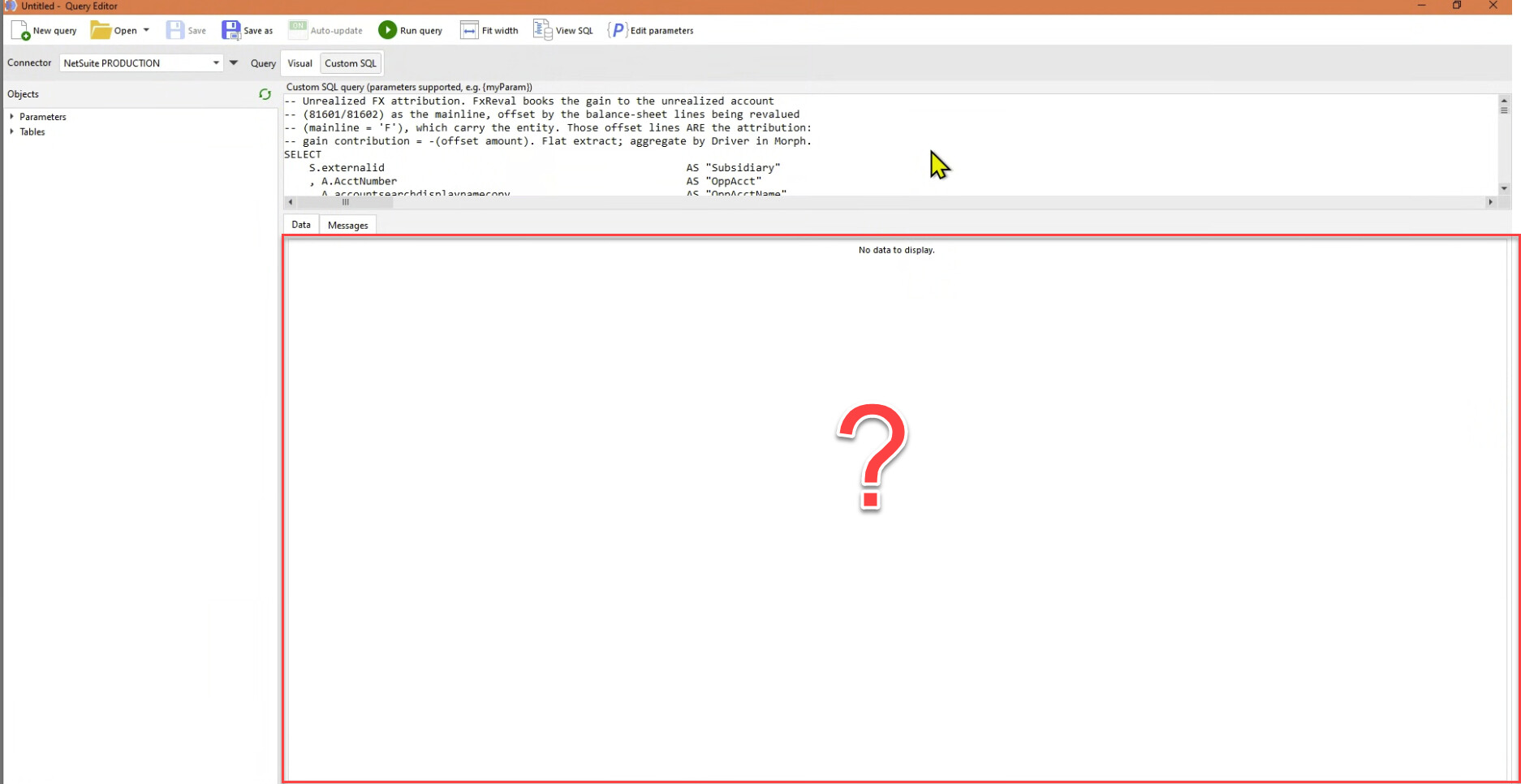
Every time I work in the query editor I have first maximize the window, then drag the Data area down, because I cannot see my whole query.
Doing it a hundred times a day is driving me mad.
How can I save the layout I like? Or can you just make the default maximized?
The standard area will not fit the smallest of queries.
While this area eats up most of the window - and I've never used it?
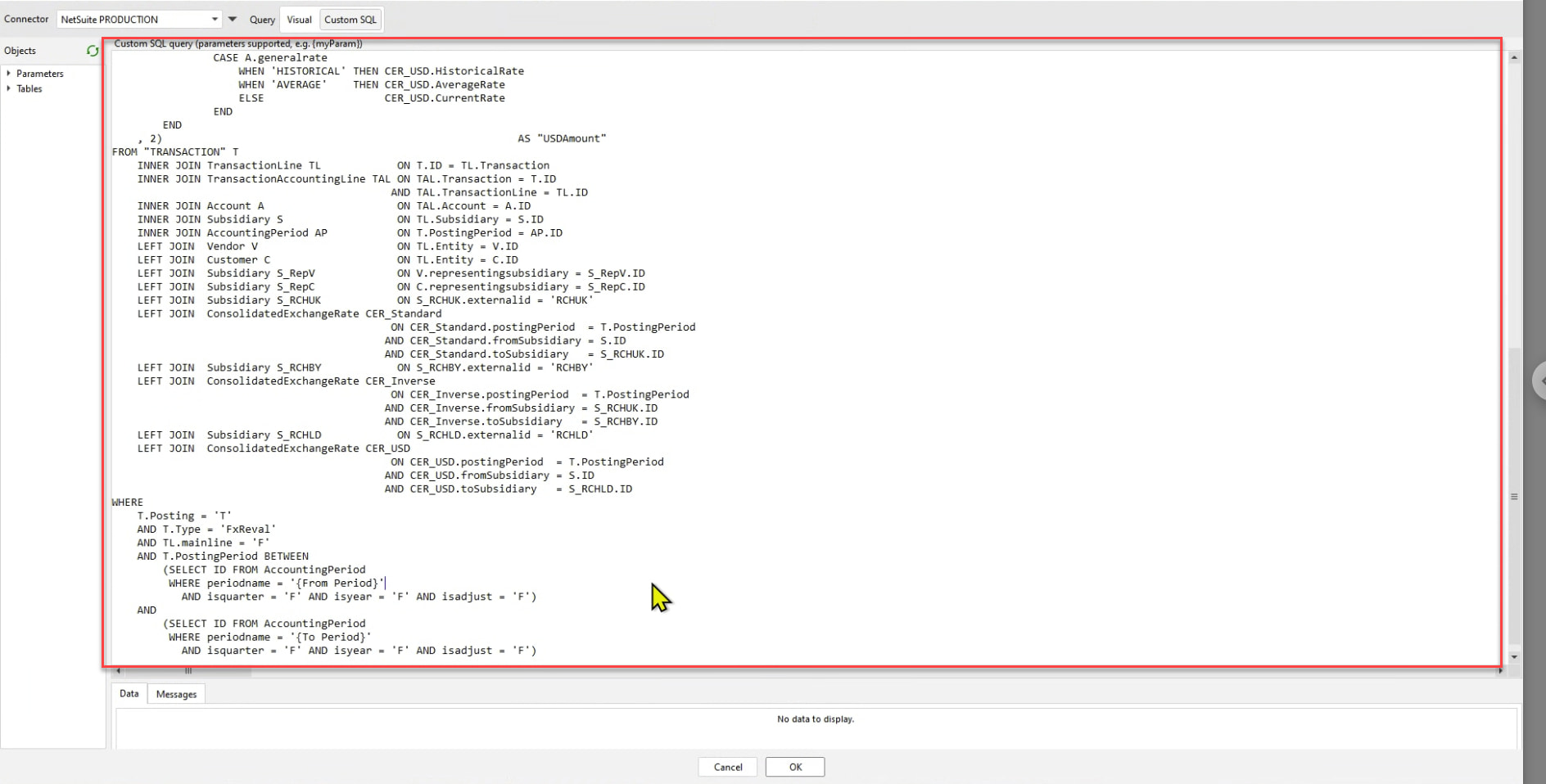
This is my ideal layout.
I can see why it can be annoying. No need to go crazy, we need you in a sane mind @Hendrik_Lombard :), I'll ask our team to fix it a.s.a.p.
Hendrik, what EasyMorph version are you using? I just tried it in the latest version, and everything works as expected - the splitter position gets remembered.
I check - I have the latest version 5.9.8.4
Is there something I should do to have it remember my layout?
Could it be that you have two Desktop instances open? When you close one, it overwrites the changes in the settings of the other one.
I often have multiple instances open, but I tested with only one - with the same results.
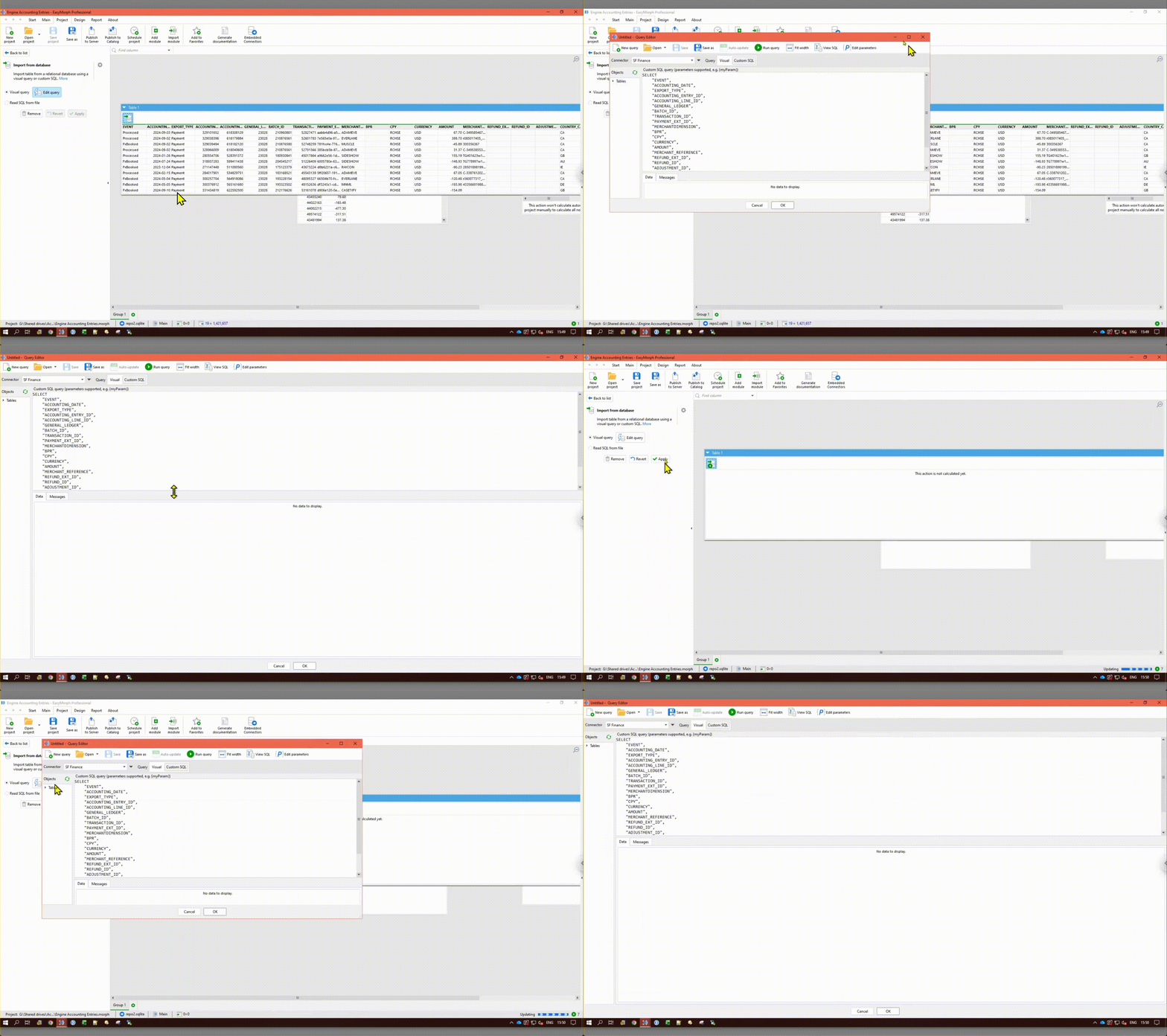
See attached video.
@Hendrik_Lombard, thank you for the video. Now we understand what the issue is about. We are planning to make the corresponding changes shortly.
We will make EasyMorph remember if the Query Editor was open in full-screen mode so that it opens in full-screen mode next time it's opened. Hopefully, that will address the usability issue.
Hi @Hendrik_Lombard,
We have made the changes described in the previous post. You can get the updated version on our download page.