Question - do you use a shared Server-hosted connector, or a connector embedded in the workflow?


Yes

But every morning we get errors for authorization after the unexpected shutdown error

The first email starts at 6am as per schedule and continues every 30 min

Server Log
10/07/2025 03:52:22 AM000001 INFO      SSL is turned off

10/07/2025 03:52:22 AM000002 INFO      Server listening url :http://+:6330

10/07/2025 03:52:27 AM000003 INFO      EasyMorph Server version 5.9.7.23 (4cd6ad, 'Release') starting...

10/07/2025 03:52:30 AM000004 INFO      Server license status: License key for EasyMorph Team Server is valid until Tuesday, 17 February 2026

10/07/2025 03:52:30 AM000005 INFO      Switching the journal to using the embedded journal database

10/07/2025 03:52:31 AM000006 INFO      All agents startup complete

10/07/2025 03:52:34 AM000007 ERROR     EasyMorph Server service unexpected shutdown detected.

10/07/2025 03:52:34 AM000008 INFO      WebAutomation service started

10/07/2025 03:52:34 AM000009 INFO      Catalog service started

10/07/2025 03:52:34 AM000010 INFO      Custom Api Server service started

10/07/2025 03:52:34 AM000011 INFO      Space tasks service started

10/07/2025 03:52:34 AM000012 INFO      Scheduler starting

10/07/2025 03:52:34 AM000013 INFO      Scheduler started.

10/07/2025 03:52:34 AM000014 INFO      Server started
Thank you for bringing this to our attention. We're looking into it
Hi @tmoulton
We've published a fix for the issue, please download and update Desktop to the latest version.
Unfortunately, due to changes in the Qlik token rotation logic, you may need to recreate the connector from scratch - reusing or reauthorizing the existing connector might not be enough.
Roger that!
I will try it and report back.
Reauthorized and it has begun to fail and it hasnt been 24hrs
Task "Datacor_notes" failed
| Server time | 10/14/2025 at 4:00 PM |
|---|---|
| Space | Default |
| undefined | ---- |
| Initiated by | Scheduler |
| undefined | ---- |
| Schedule | Every 30 minutes between 6:00 AM and 6:00 PM |
| undefined | ---- |
| Task note | API Notes from Datacor (all) |
| undefined | ---- |
Error
Authorization failed. Please, re-authorize.
Location: action "Qlik Cloud command", table "Imported table 2"
Note
If the task keeps failing, another email will be sent.
@tmoulton please delete the existing connector and create a new one, from scratch. don’t reauthorize the old one
I did.
When creating the new Oauth connection what scopes need to be added?
Is there a link to an artickle about setting up Qlik Oauth, all the information I find seems to skip the section about what options need to be selected.
I am not aware of any good manuals except the official Creating and managing OAuth clients | Qlik Cloud Help
Ensure you have offline_access scope - this one is critical for long-term access - and also user_default one, also Web client type

Hi team, I have the very same issue with a quite fresh version of EasyMorph desktop 5.9.8.11. The connection was created after the installation of it.
It is quite disturbing as I need to orchestrate a pipeline where EasyMorph destop launcher initiates a delivery of QVD to Cloud and a reload of a Cloud app each morning. I'm unable to do that at the moment because each new day EasyMorph desktop raises this error and thus requires manual intervention.
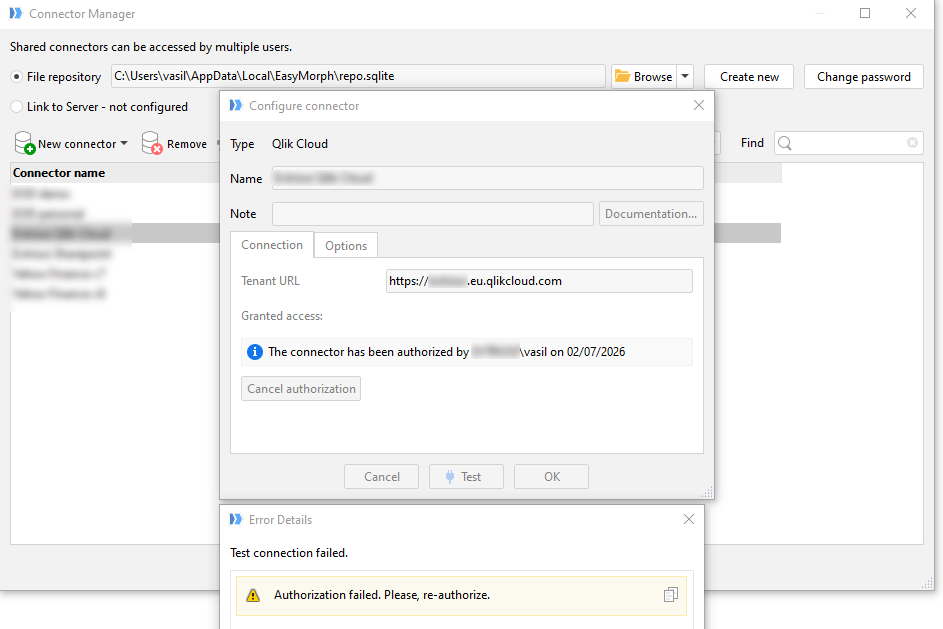
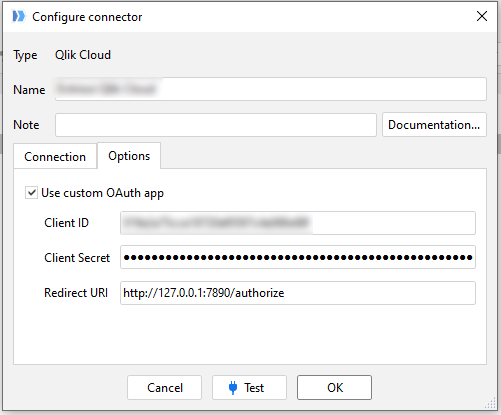
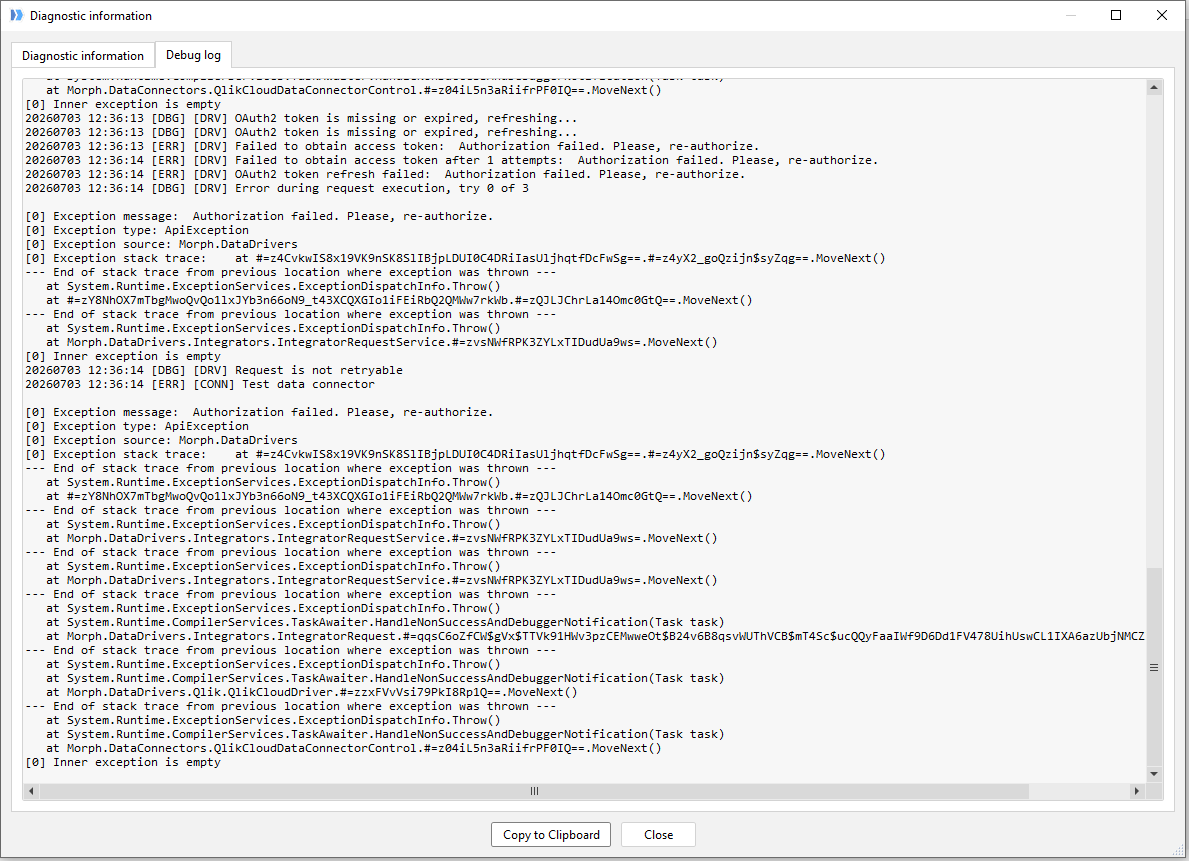
Could you please double-check whether your OAuth client has offline_access scope - looks like your registration completely lacks the ability to refresh tokens, this could happen if offline_access scope was not requested/specified during client creation.
As shown on the screenshot here:
Qlik help page
Dear @olysak thanks for noting this, your guess is perfectly correct, the offline_access scope indeed was missing in the OAuth client settings on the Cloud side. It was the cause, so now EasyMorph connection works as expected.