EasyMorph Server v5.9.8.9
EasyMorph Desktop v5.9.8.11
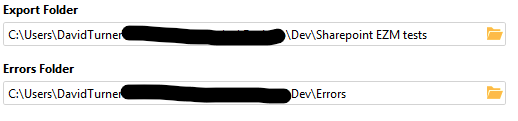
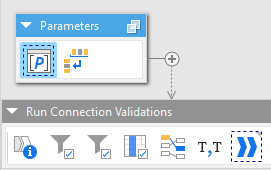
I've building a universal connection validator. It will validate the connection to local folders, SharePoint, and all databases listed as parameters. The local folder connections in the parameters are grabbed with the Project metadata action and concatenated into a delimited list before being sent to the validator.
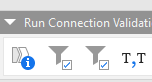
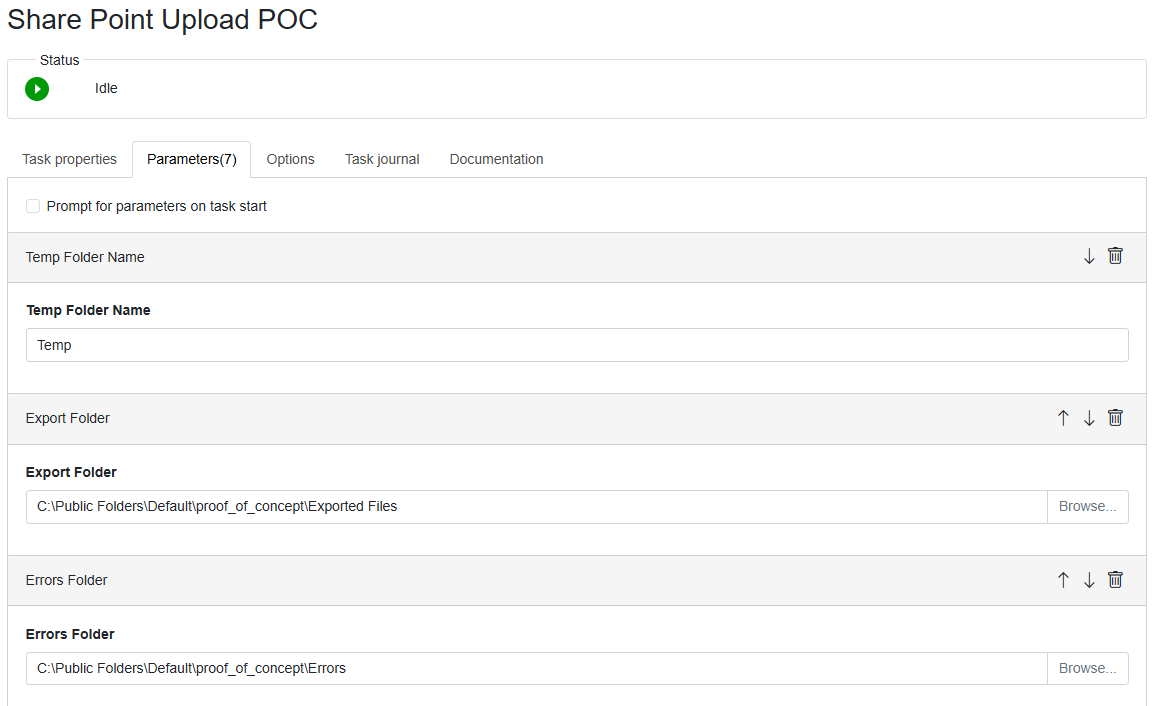
This is working on my local machine. Then I upload to our VM from my local machine via the EasyMorph Server. I create a new task and configure the parameters on the EasyMorph Server.
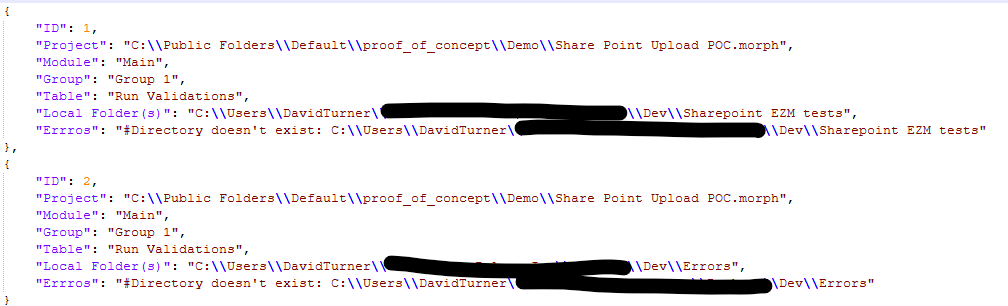
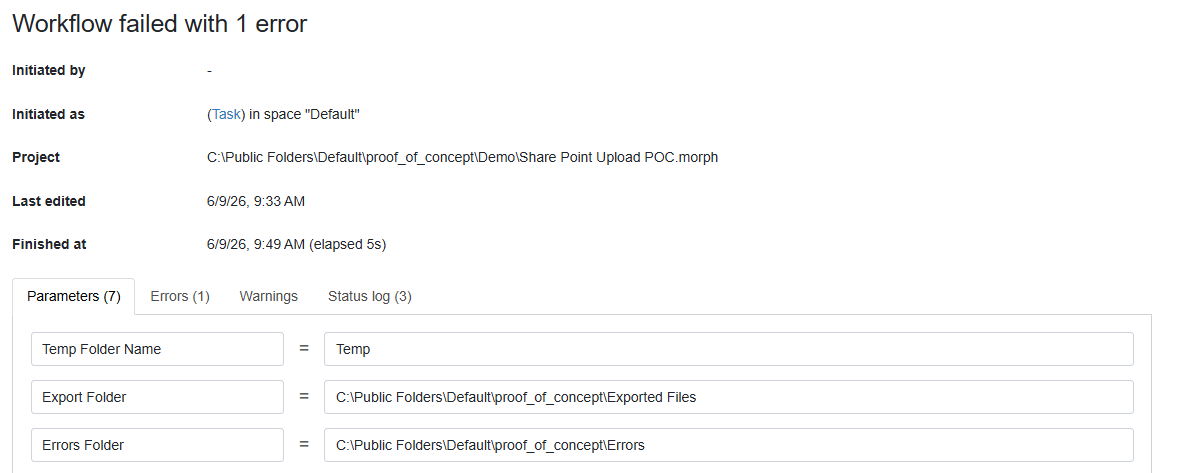
Upon running the project ad hoc from the task menu I get an error file back from my validator.
You can see that the Project metadata action are pulling values from the saved parameters in the easymorph and not the parameters designated in the server task.
I understand that I can log into the VM and change and save the folder parameters, but the goal is for the developers to never have to do additional configuration to the project after uploading to the server that would require a VM login. Is there a way to grab the server parameters and not the saved project parameters?
@DTurner, you can use the "Parameter table" action to get the parameter values that the project was executed with.
To add to @andrew.rybka answer, the "Parameter table" action works for the cases when you need to capture task parameters within the workflow at runtime.
Obtaining task parameters from task configurations is currently not supported out of the box. However, since task configurations are just XML files, you can try extracting them by parsing XML. In this topic, there is a sample workflow that does it: Easymorph Server Command (List ServerTask Parametervalues) - #4 by rebmanna
The challenge here is that I need to dynamically filter the parameter values by parameter type (file folder path in this case), and I don't think the parameter table action will allow me to do that. I'll look into the xml to find a work around.
I'm also exploring using the project metadata to grab the parameters names of the proper parameter type and then using the parameter table to grab the respective values.
The xml solution is difficult because the user running the task may not have access to the folder where that xml exists. But I was able to work around the problem of grabbing task parameters values by type by filtering the parameter name by type from the project metadata action and then adding the parameter name, via lookup action, from the Parameter table action. The resulting column is then concatenated and feed into the Universal Validator.
If anyone is interested, I've attached the project. The idea is that you can pass in a pipe delimited list of databases and local folders to test a connection too. Also SharePoint, but you only need one folder as the SharePoint connector requires full access to your SharePoint site. I've delimited the list of folders already, and my idea is that the applicable database connector names will be put in a pick list type parameter. This EasyMorph should exist as an project that is external to the one you are needing validated. Just drop the the tables from the last module into your project and configure just one step, "Call another project" action, by assigning the matching parameters and you're good to go. Check the annotation and don't change the Local folder(s) assignment.
Universal Connection Validator.morph (21.2 KB)