I upgraded to Hub Server 6.0.1.3 and I started to receive this error message overnight, which is the main time I run the majority of the scripts.
The worker '######### (Chris's Account)' suddenly stopped — a restart is scheduled in 120 seconds.
Please check the Windows Event log for Application errors.
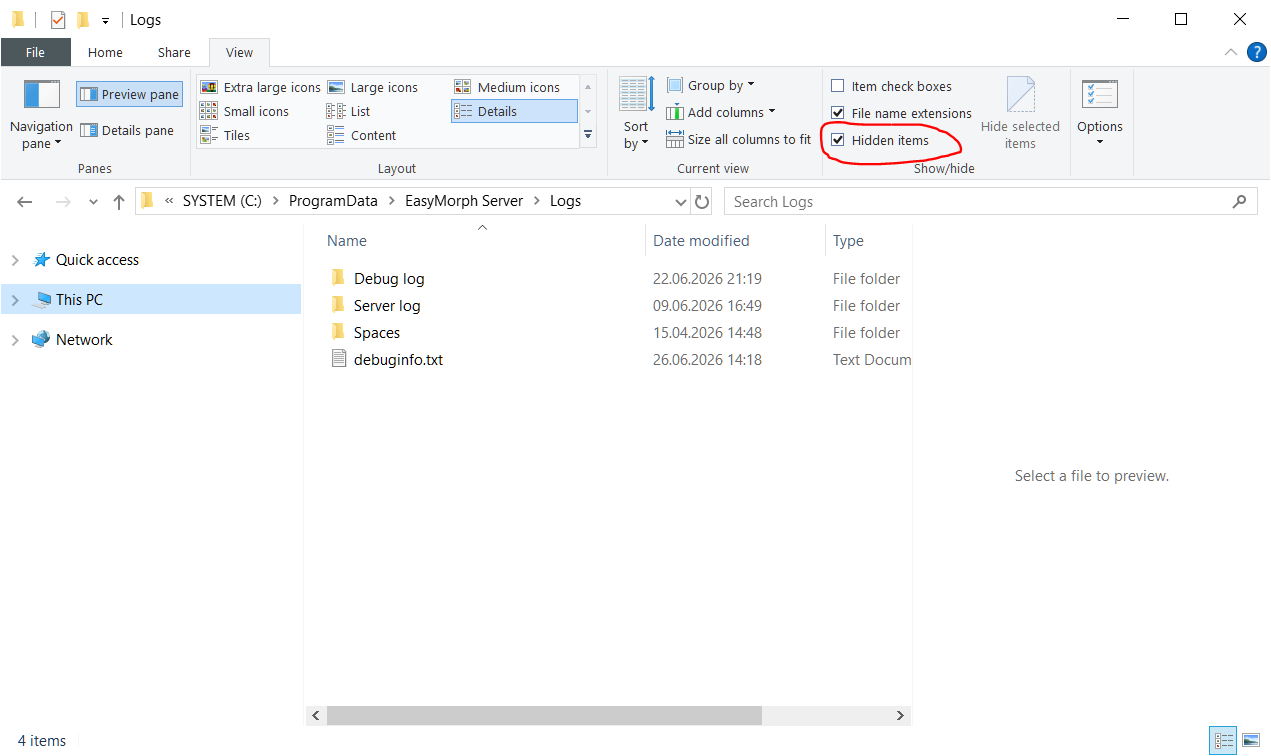
@Chris_Graziosi, we are looking into this. Can you please also send the Hub's debug logs (by default stored in "C:\ProgramData\EasyMorph Server\Logs\Debug log") to support@easymorph.com?
Just sent an e-Mail to support. I upgraded my Easymorph 5 server, and the path for the server is:
C:\Program Files\EasyMorph Server
and there is not Logs directory in that structure and I could not find the debug log anywhere in that directory.
I have sent a few logs and even some Action Items to support. Looks like I am pushing the limits to some of the actions, but they work in the older version of your software.
I would love to do something different, but because of the size of those actions, I cannot get into them to even try to change them to something else. This script has not been touched in months, and so, I need to be able to at least read the action to get the data out. Again, it worked in version 5.9 of your software without issues.
@Chris_Graziosi, EasyMorph project is just an XML file. I have extracted and decoded the expressions from it and sent them to you via email. I also took the initiative and extracted value pairs from those expressions into datasets in case you would like to refactor those projects.
The "Create list" action has issues with a large number of values too. It works, but in a not very responsive way. So I would suggest using datasets instead. You can edit a dataset directly from an "Import dataset" action.
In version 6, we've moved to a newer .NET version 8 (used to be v4.8). It's a substantial change, so it may take some time to iron out issues like that. We will also add a test for 600 nested if functions to ensure this problem is captured before releasing the software.
Going forward, I'd suggest using lookup tables instead of doing lookups with IFs. Keeping lookup tables in .dset files also makes them re-usable. Besides that, .dset files can be edited in EasyMorph - we've added Dataset Editor:
@Chris_Graziosi, the issue has been fixed. You can get the updated Desktop and Hub versions on the corresponding download pages.
We expect your projects to work as before. But if they won't, there will be an error message instead of a crash, and you'll be able to simplify your expressions (the source of the issue is the expression "deepness", so splitting a single complex expression into two should definitely help).