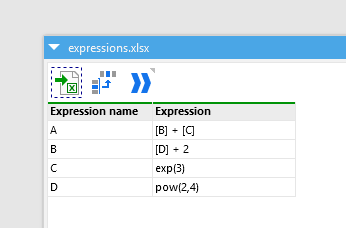
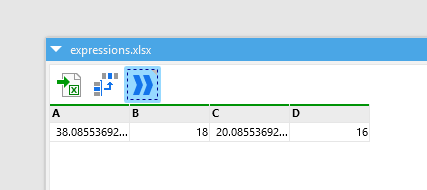
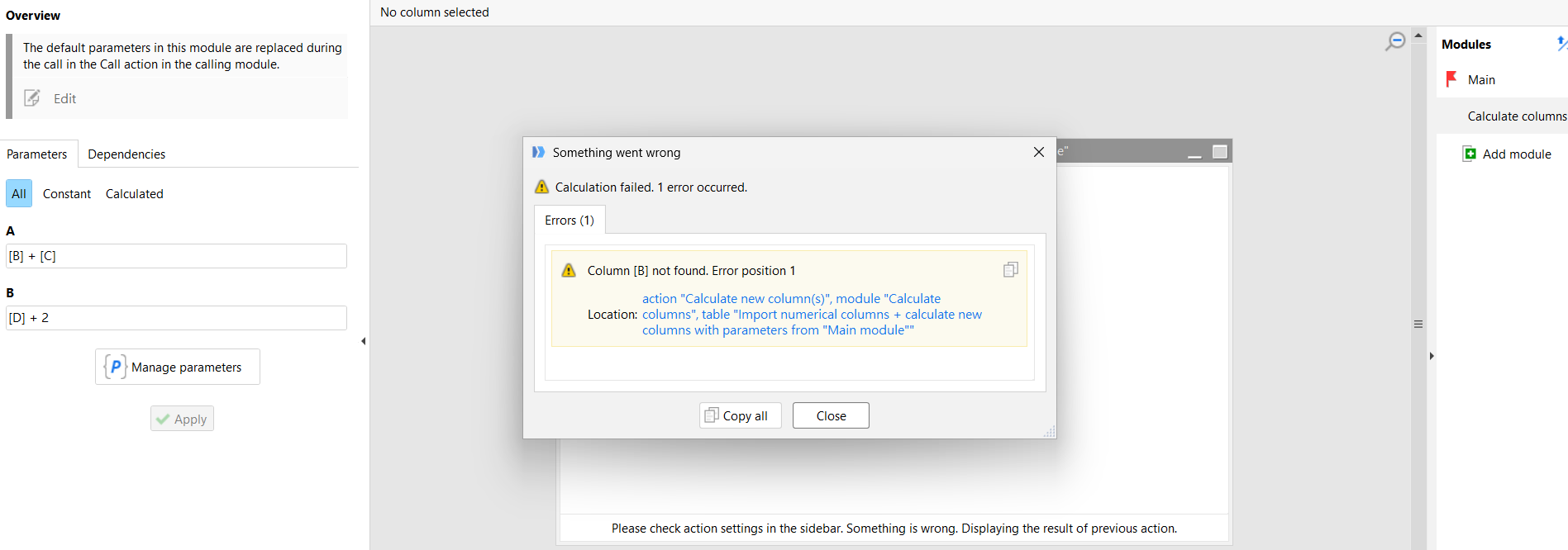
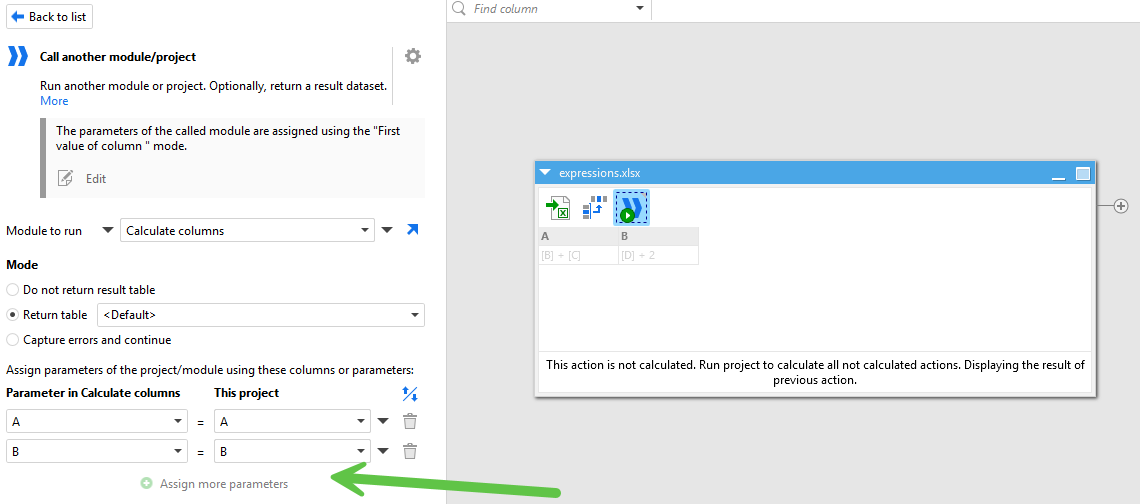
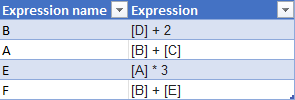
Hello @yuntienlee after review, it is possible to calculate additional columns just by adding a new expression to "expressions.xlsx" and not having to modify the project settings.
This is achieved with the combination of two actions: Repeat and Iterate table. You can also find more information in the loops and iterations tutorial.
Note: in order for this solution to work, the order of expressions in the list is important. Expressions must only refer to previous expressions (that are higher up in the list).
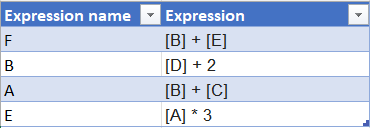
I have added a new Expression F, that references expressions B and E (and that are higher up in the list):
Solution
For this solution, we need 3 modules, which I will explain as we get to them:
- Main (parent module of "Add next expression")
- Add next expression (parent module of "Apply expression")
- Apply expression
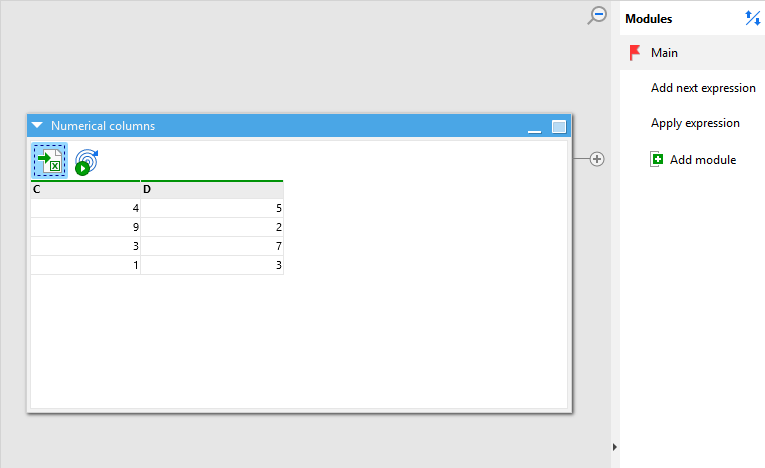
The first step is, in the "Main" module, to import the numerical columns (unchanged file):
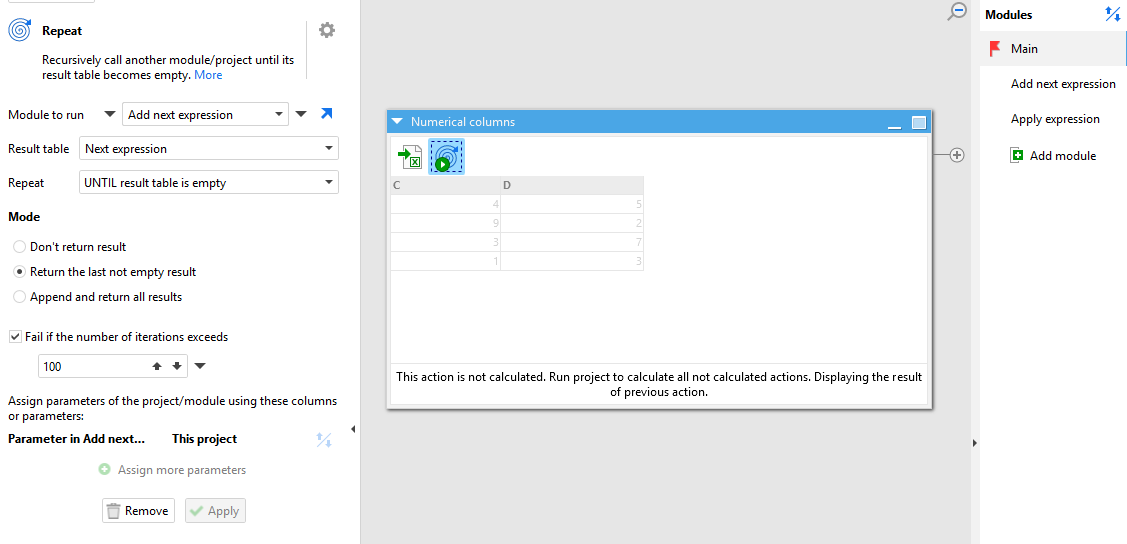
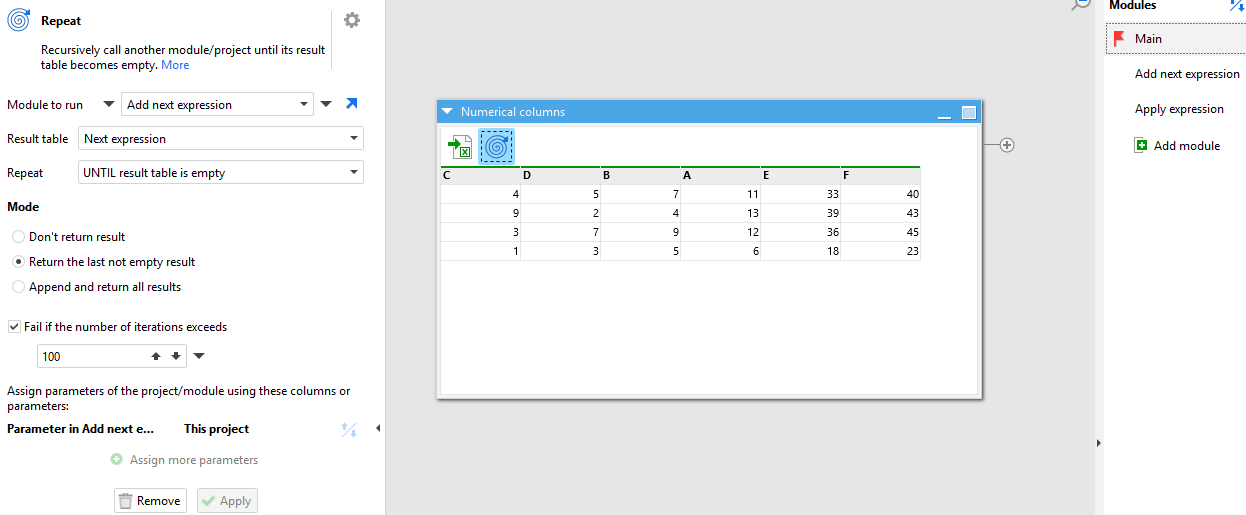
Next comes the Repeat action:
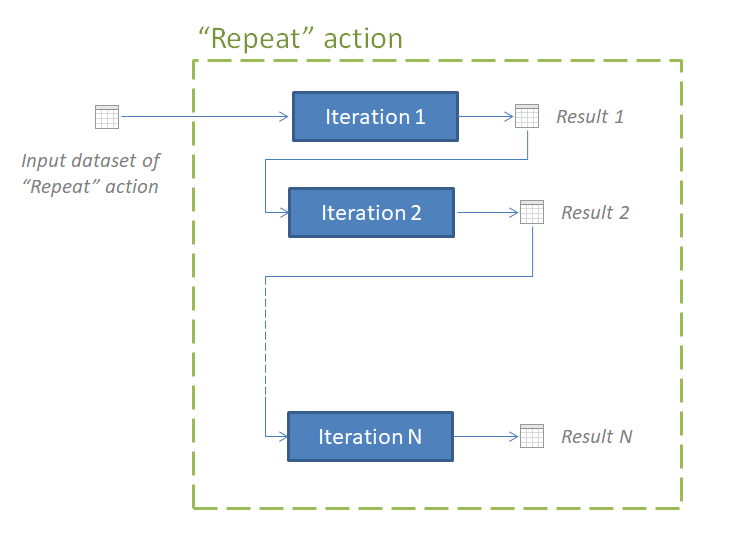
The Repeat action is going to keep running module "Add next expression" until the result table "Next expression" is empty. Once "Next expression" is empty, it will return the last not empty result to the "Main" module, which is the calcuation of all the columns based on the expression list. In the first iteration of module "Add next expression", the input dataset will be Numerical columns "C" and "D". In subsequent iterations, the input dataset of the iteration will be the result of the previous iteration. Here is a diagram of how data is passed between iterations:
Next, we're going into the "Add next expression" module, which gets iterated via the Repeat action. Here we have the
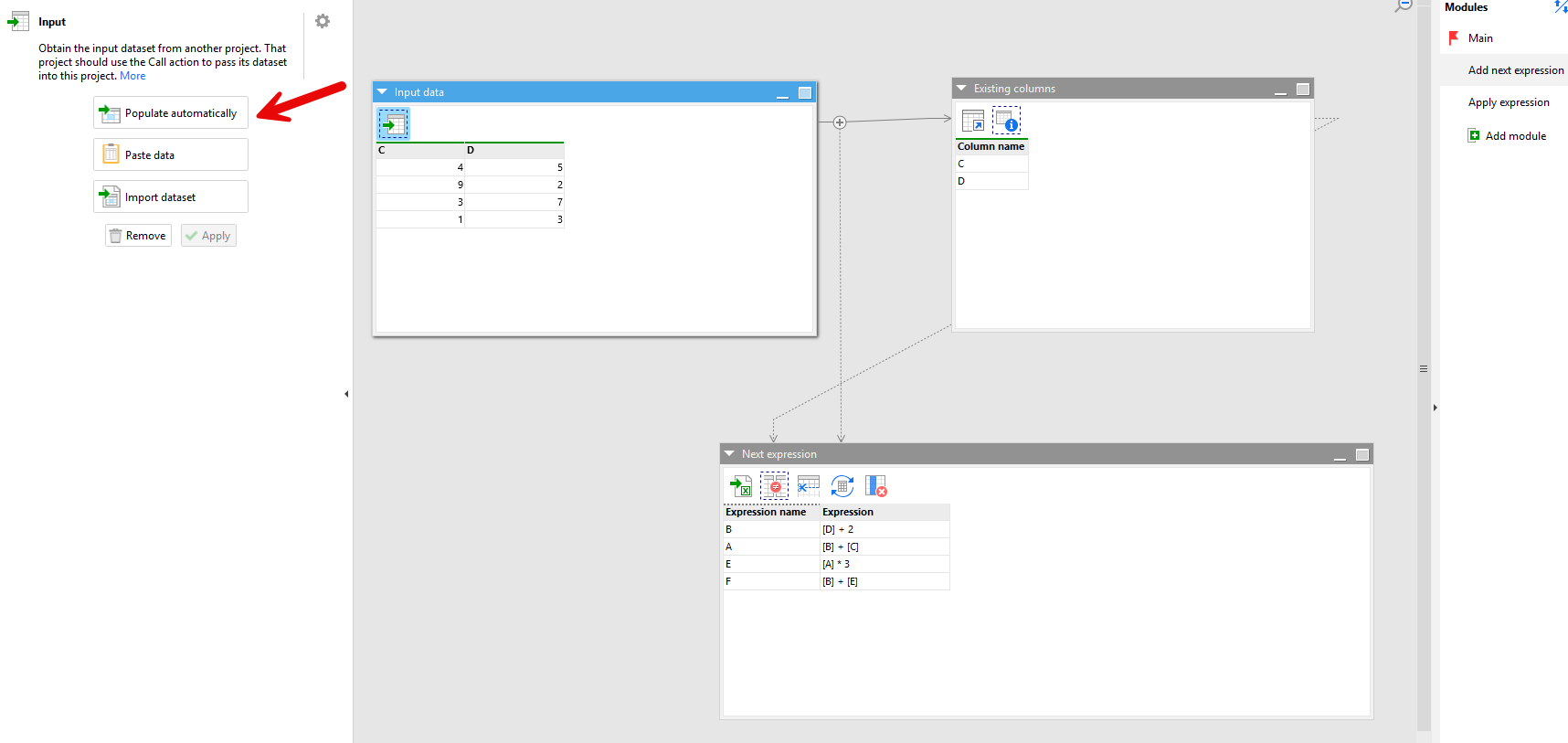
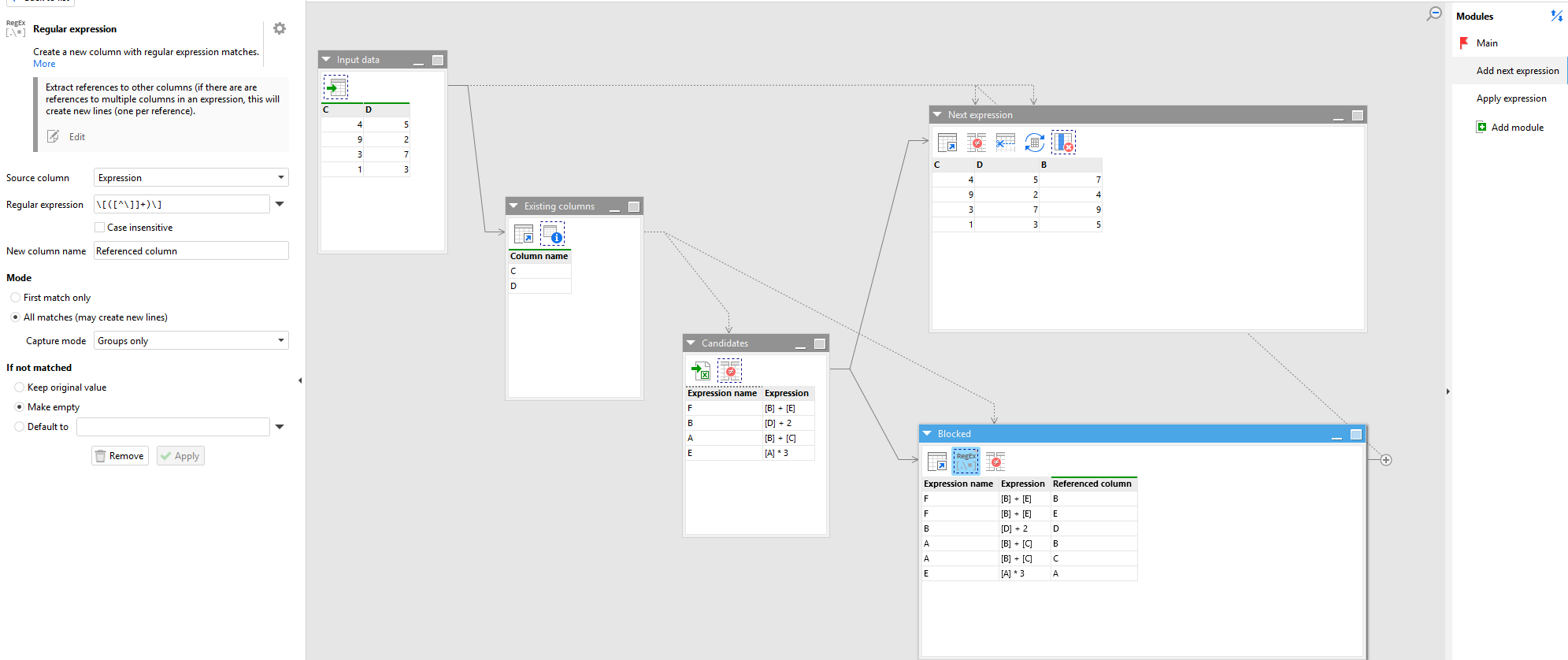
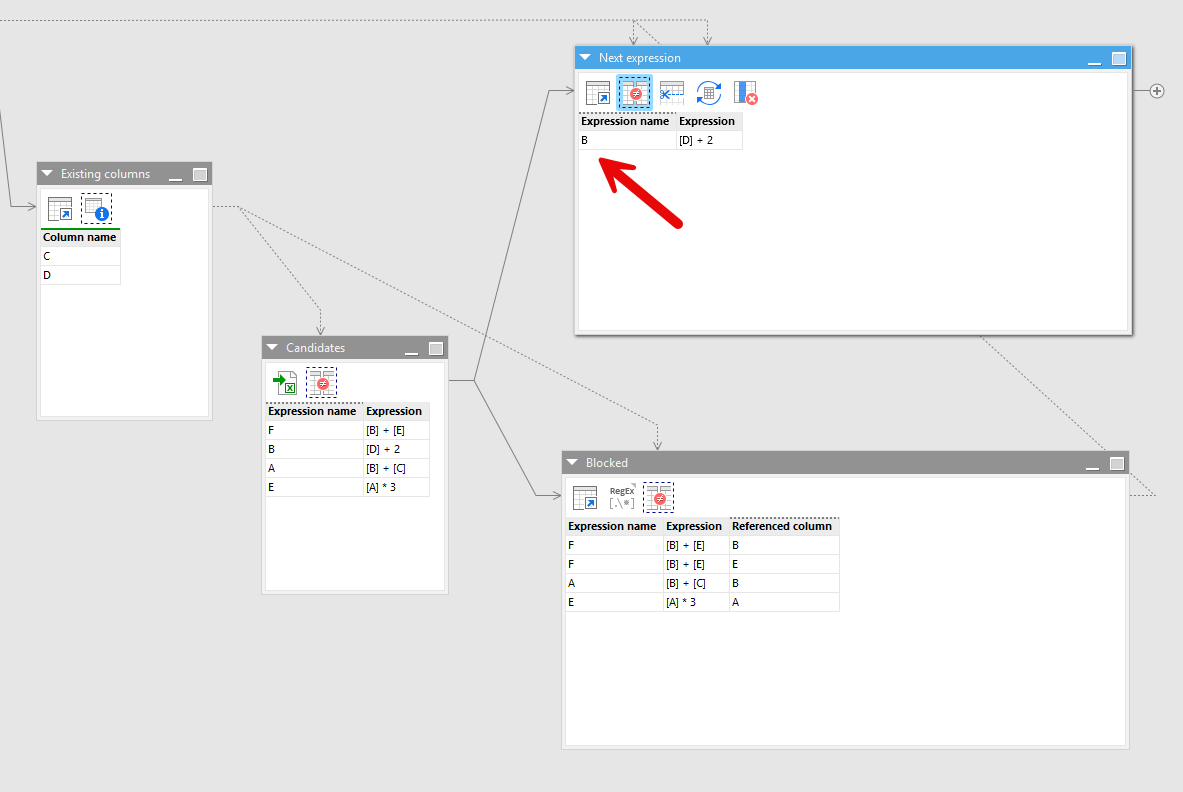
Input action that brings the input dataset from the parent module (click on "Populate automatically" so that the dataset is passed from the parent module). In the "Existing columns" table we're listing the columns that are currently in the input dataset, while in the "Next expression" table we're loading the "expressions.xlsx" list, and next we're using the
Keep/Remove matching action to only keep the expressions whose names
do not appear as columns in the input data. At the moment (first iteration) none of them appear, so this table is left unchanged (see table "Next expression"):
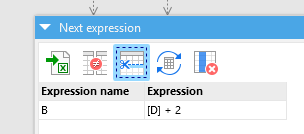
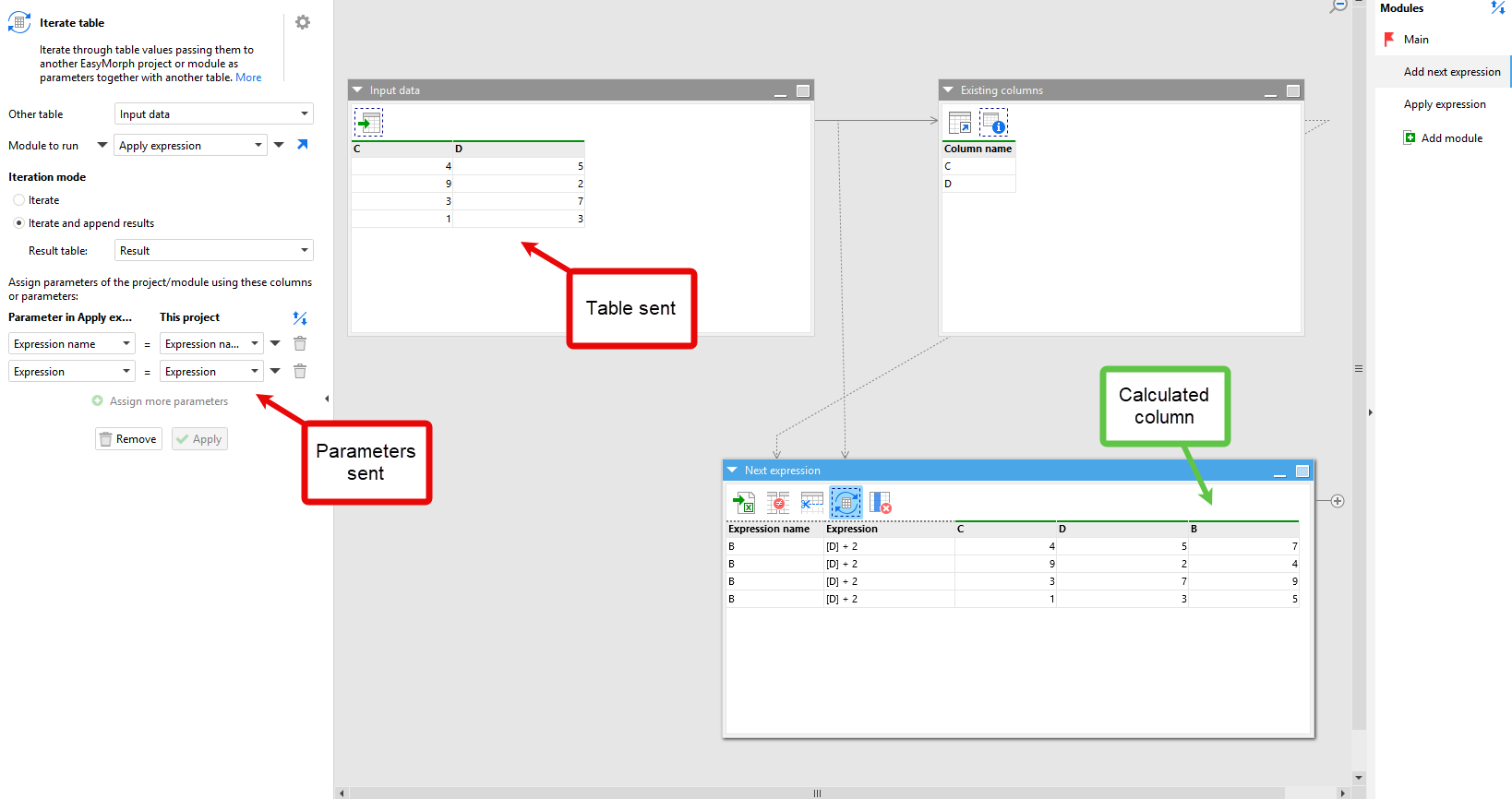
In the following step we're trimming the table to keep only the first row, and next we're using the Iterate table action to send these values as parameters (along with the "Input data" table) to the module "Apply expression", where column B will be calculated. We need to send these as parameters so that the eval() expression works in the this child module.
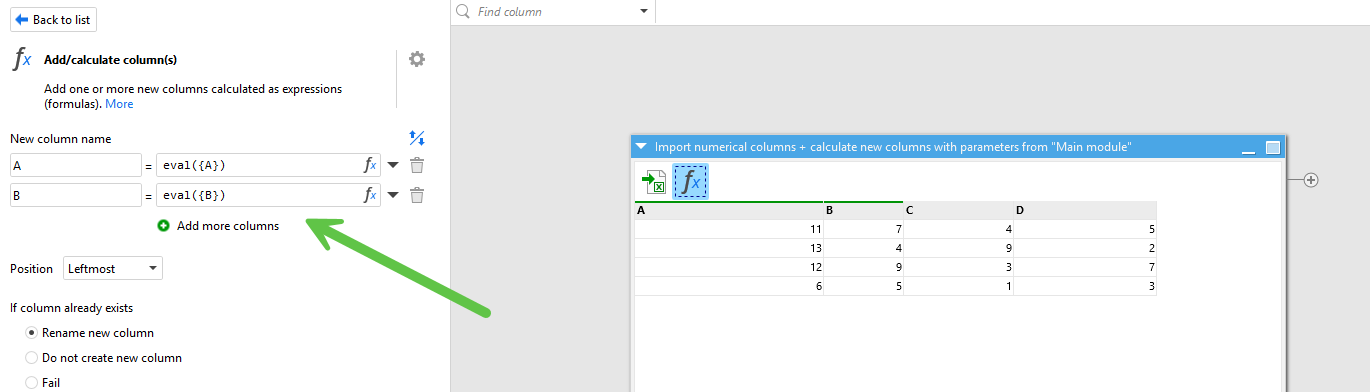
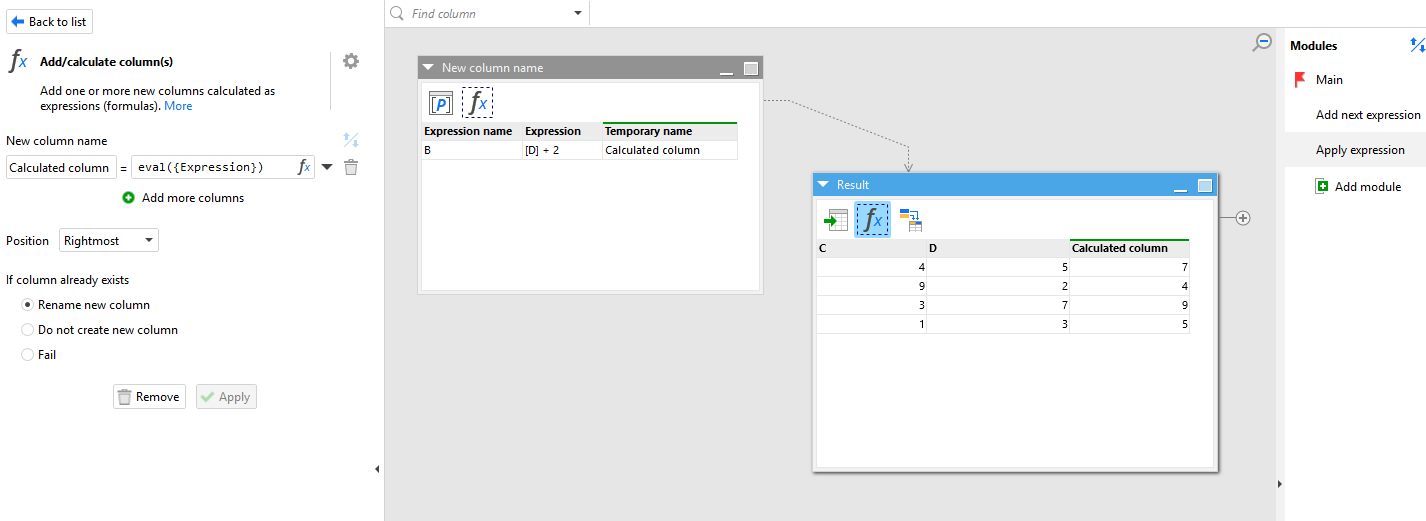
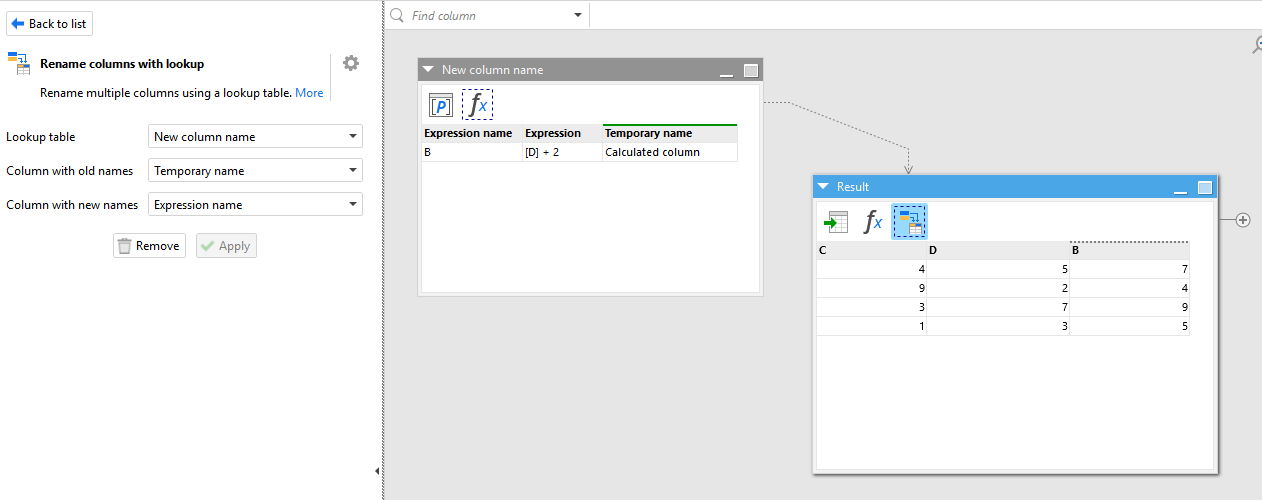
The "Apply expression" module, on one hand, creates a 1-line table with module parameters ("New column name" is a helper table to give the correct header to the calculated column), and the "Result" table uses again the Input action to bring the input data from the parent module. Then, the "Calculated column" (in this case, "B"), is calculated and renamed with the helper table:
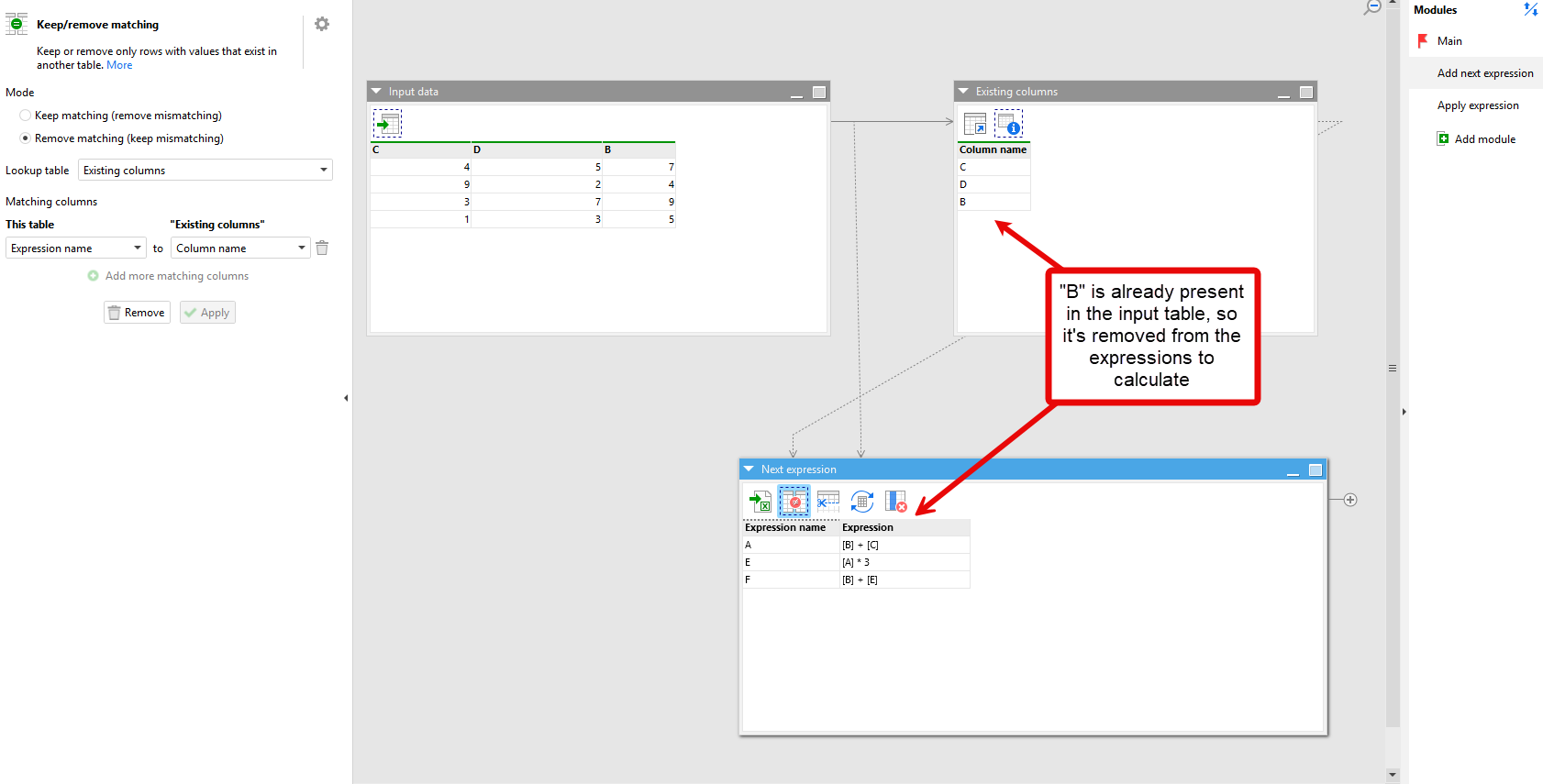
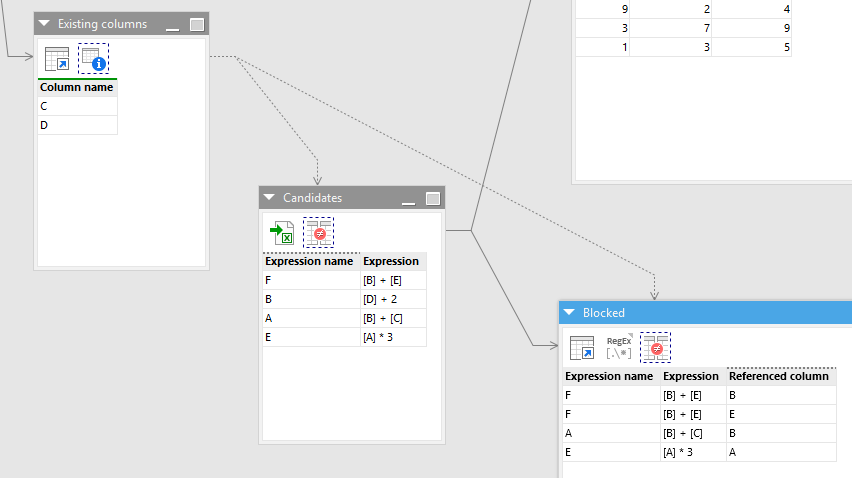
This completes the first "Repeat" iteration. Because the "Next expression" table in module "Add next expression" is not empty, this module will iterate again. In the next iteration, the input data will now be columns C, D and B, and now the Keep/Remove matching action will remove column B from the list, as it's already present:
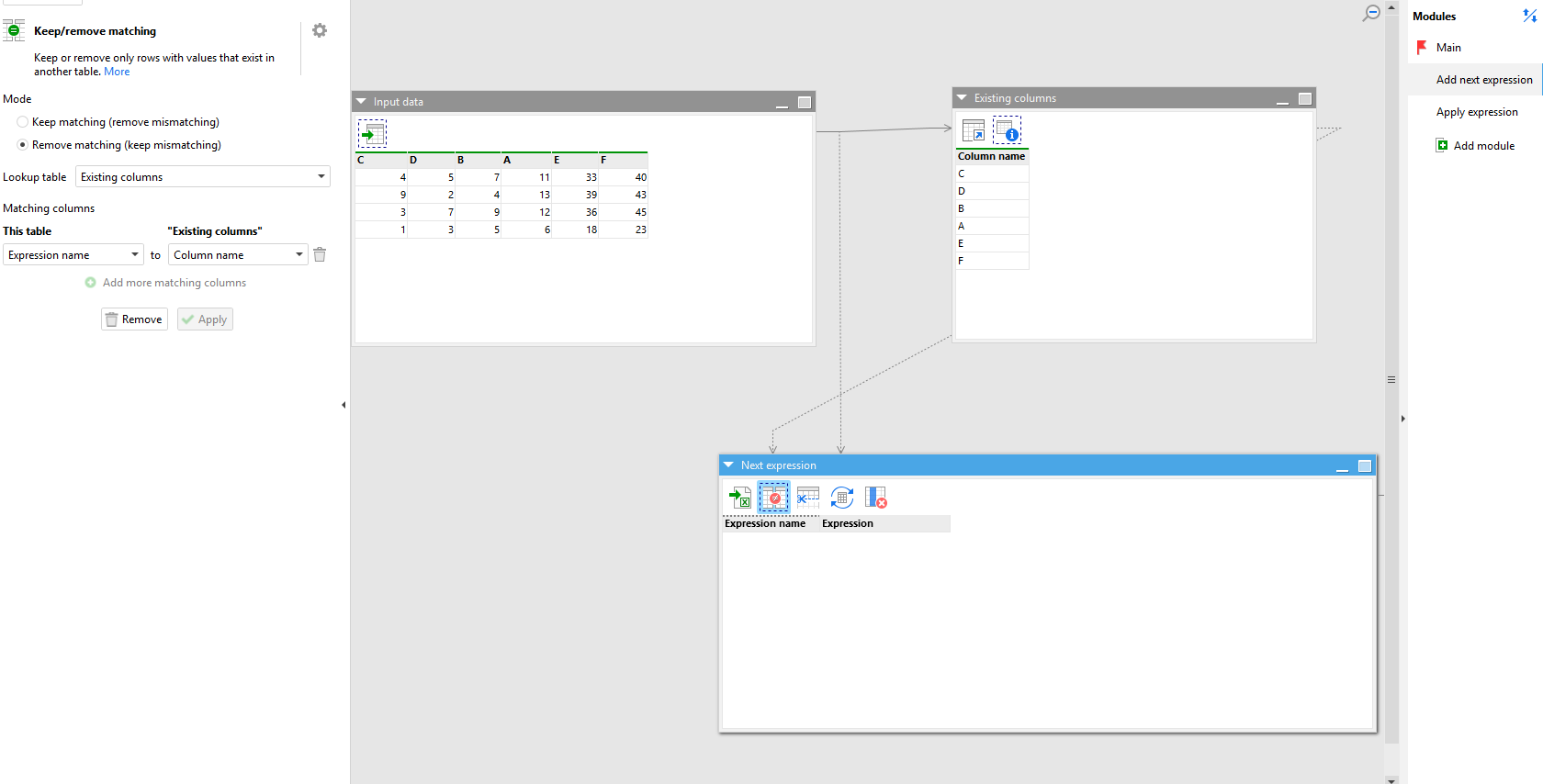
Eventually, once columns A, E and F are also calculated, the Keep/remove matching action will remove all expressions from the list in the "Next expression" table, leaving it empty, ending the Repeat iteration:
And as we had configured the Repeat action to "Return the last non empty result", its result is the table with all the calculated columns:
I attach the project here: expression-list-eval-v3.zip (17.8 KB)
Let me know if you have any questions.