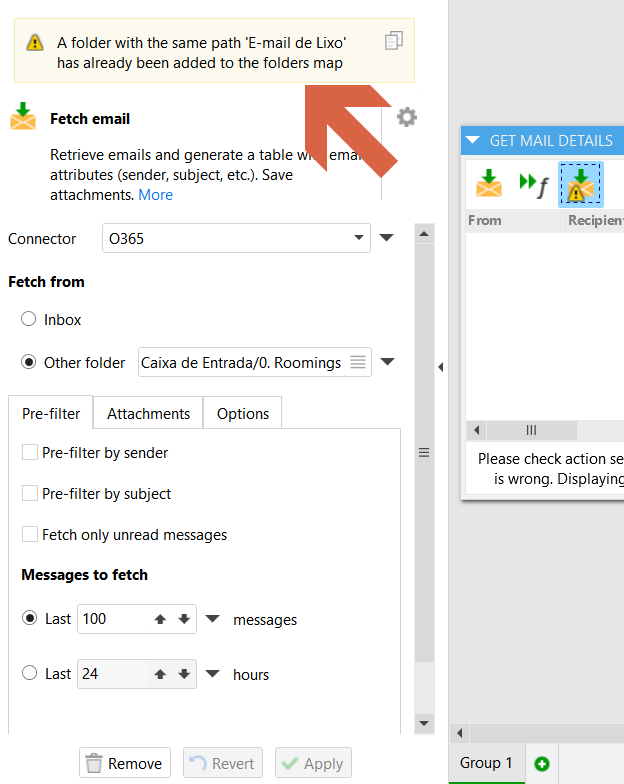
Since this morning, I’ve been encountering the following error:
“A folder with the same path ‘E-mail de Lixo’ has already been added to the folders map”
This happens when I try to use the “Fetch Email” action.
The action works perfectly when I select “Inbox”.
However, when I use “Fetch from Other Folder” and manually enter the folder name, it does not work.
I have been using this action without any issues since Tuesday (January 27). Nothing has changed in the mailbox configuration, but since this morning I’m no longer able to search for the folder name.
Additionally, when I use the option to retrieve the folder names automatically, no folders are returned and the process remains stuck for a long time.
Has anyone experienced this issue before?
Is there any workaround or solution for this problem?
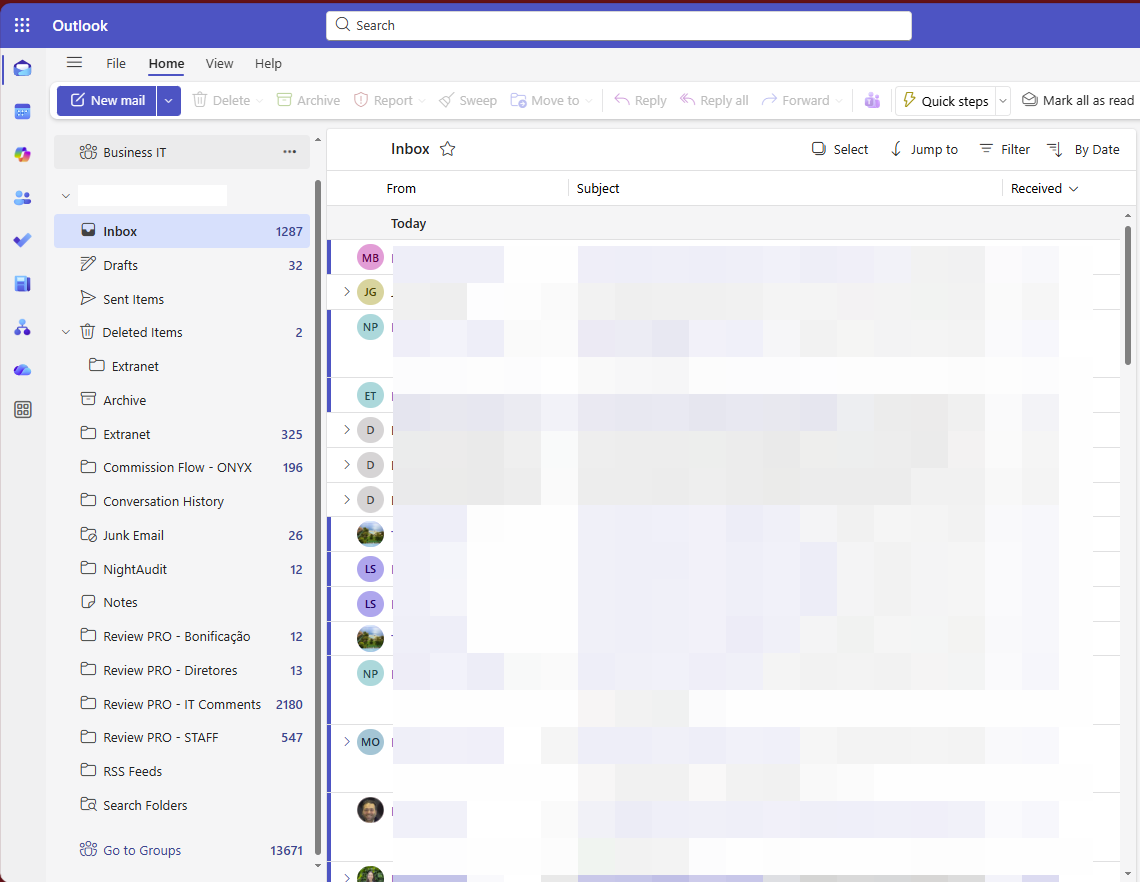
This error appears when EasyMorph finds a non-unique folder path. Is it possible that you or somebody else modified the folders structure in your email account?
Yes, I understand your comment, but no one changed the structure.
Also, I’ve done the following steps and nothing happens:
Restart EasyMorph.
Restart Windows.
Reset Mail Connector.
With another mailbox the behaviour is the same, when I use the option to retrieve the folders names automatically, no folders are returned and the process remains stuck for a long time and nothing returned.