I have been creating an Excel spreadsheet in a table and then attaching it to an eMail using the "Send email" action. Now, any new scripts created in version 6.1.014 doing the same method runs fine when running locally on the server, but when I publish to the Hub it cannot find the file. All of my old scripts still work using the same process.
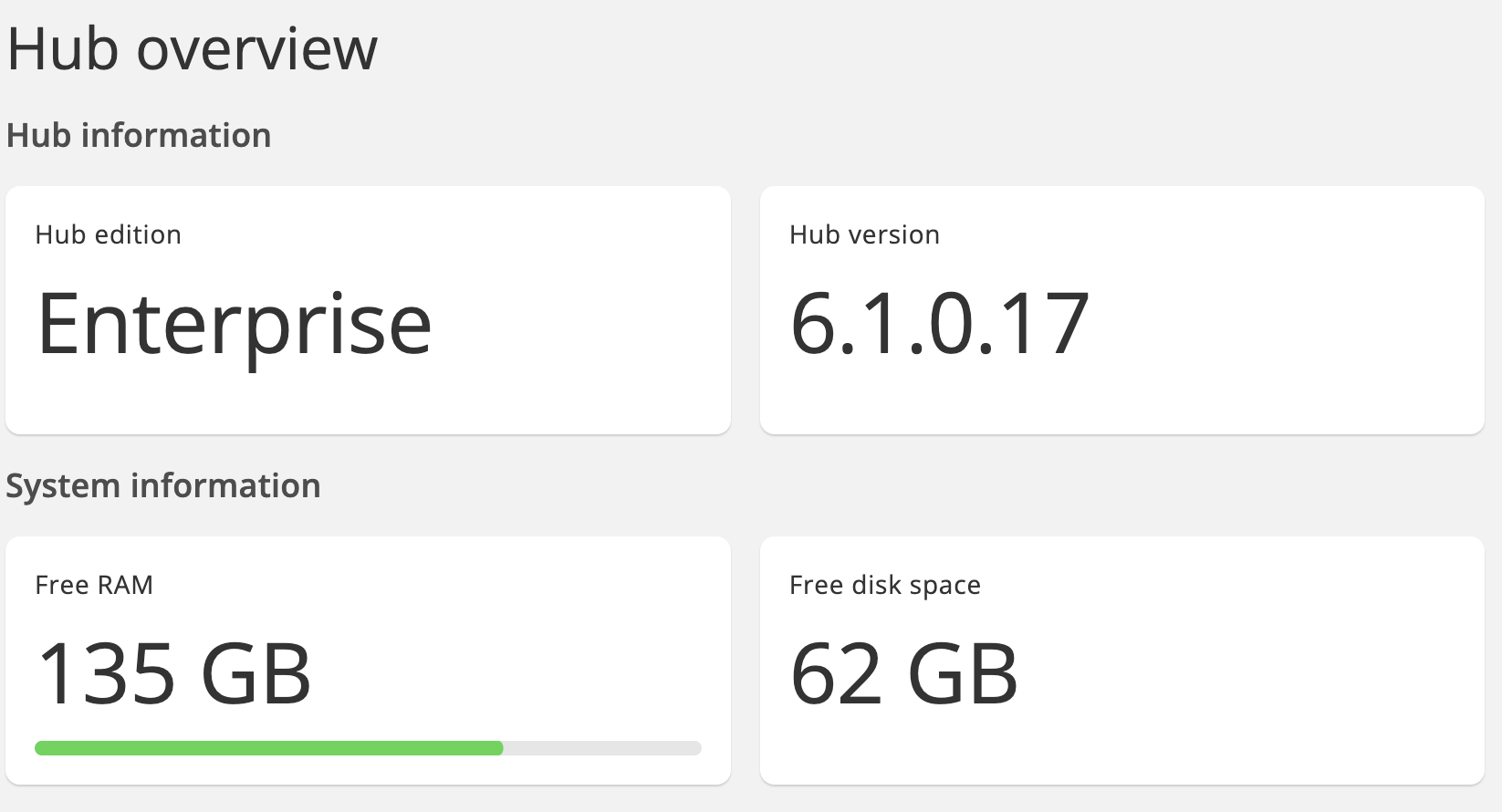
(post deleted by author)
Hello @Chris_Graziosi !
Could you please send us screenshot of the error message you get, when file is not found.
Best regards,
Denys Onufriiev
It doesn't log in the warning or status log, but the script does perform a retry that is setup. The e-Mail never gets sent.
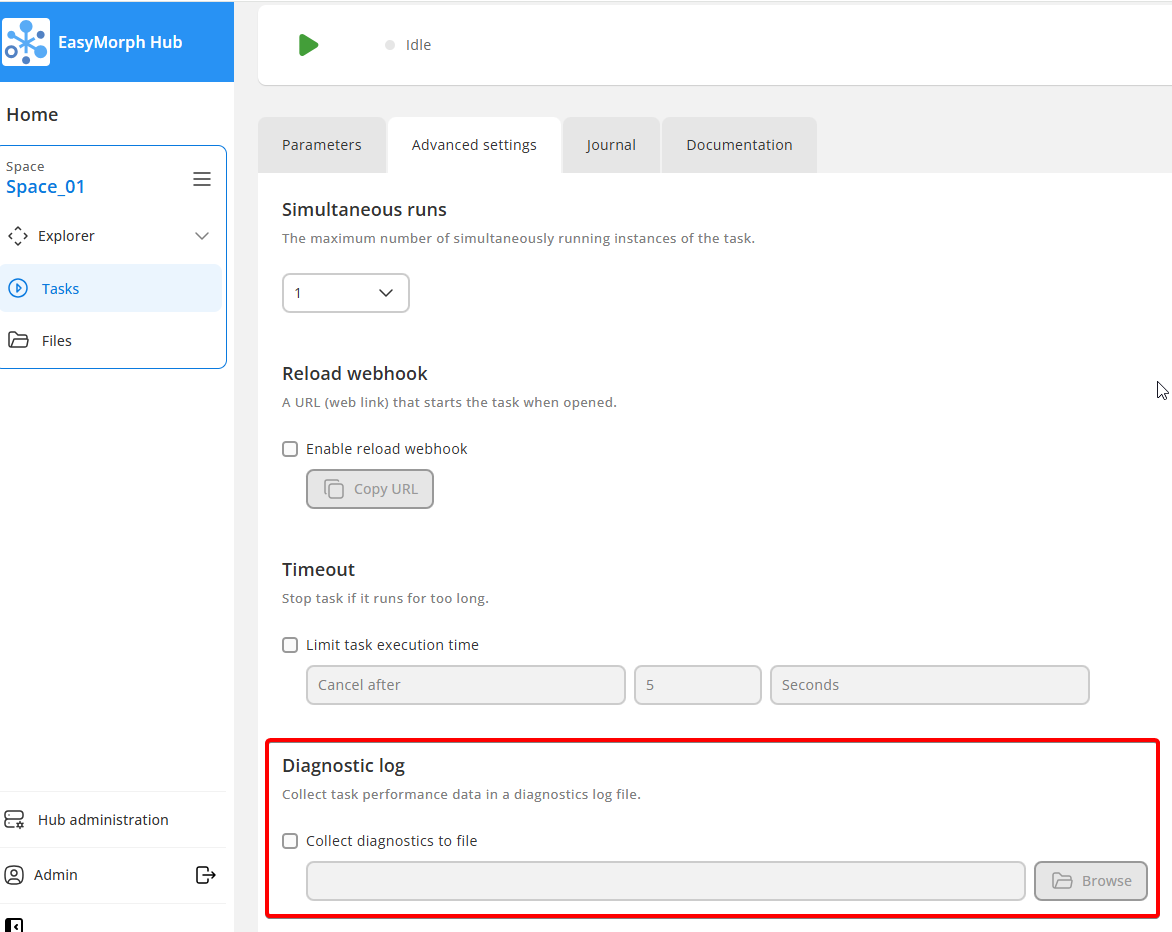
Could you please run the task with Diagnostic logs switched on?
And then send us log file via email support@easymorph.com
To enable Diagnostic log, check the checkbox in task's Advanced settings and set the path to the log file where you want to save logs (see attachment)
Best regards,
Denys Onufriiev
I will have to build something, since these are production scripts that do more. Give me a bit and I will build something and turn on the diagnostic logging.
Here is the simple report that I created.
Project _Easymorph Request Test_.pdf (134.1 KB)
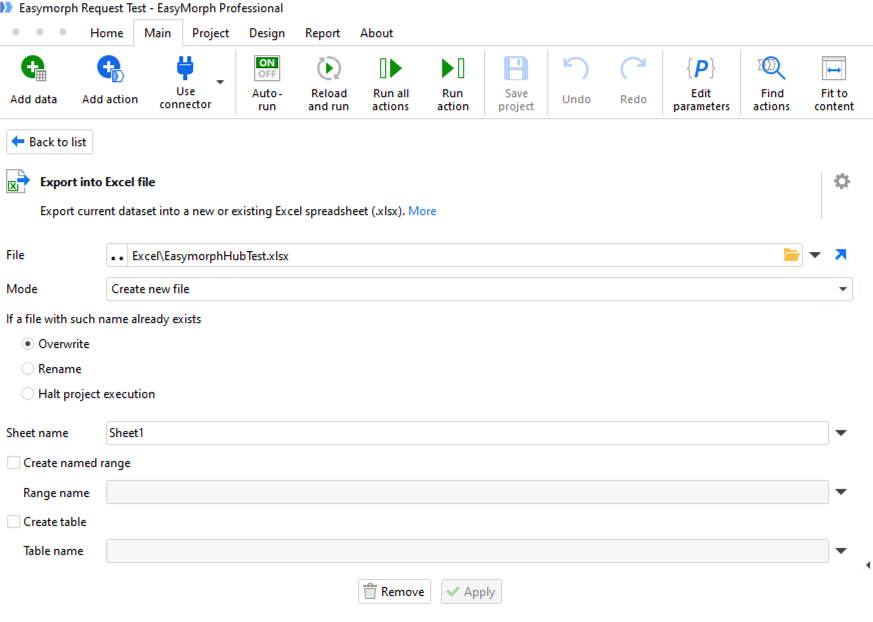
Same thing on the e-Mail. Work around. I have to manually enter in the full path to the file in both script actions now.
I discovered the button on the left side of the file to either do full path or relative path.
could you share some more details please? What is the directory on Hub, where file should be exported to? What absolute path is expected on Hub?
I will remove your log file from here for security reasons.
Best regards,
Denys Onufriiev
The app now has the two dots on the left hand side. If you click on the dots and they are vertical, it put the full path in the file location. If the dots are horizontal, it uses relative path.
I didn't see that new feature in the release notes.