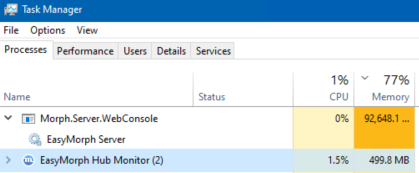
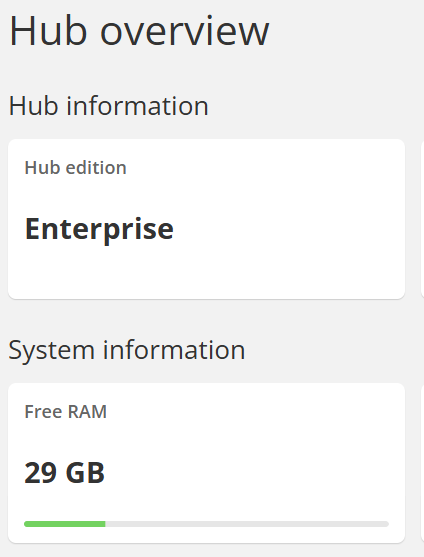
We are on Hub version 6.0.1.6 running on a Google Compute VM with 128GB Memory, Windows Server 2022 Data Center.
Task manager shows that easymorph Server uses nearly all of the memory even if there's no active easymorph jobs running? Is this to be expected?
This is the last entry in the Hub Log - from a few hours ago:
Current Task Manager:
If you ran unusually large data transformations (tens of millions of rows), the memory consumption may stay elevated for a while, as Windows may not release memory quickly if it expects it might be consumed again soon.
What I find concerning is that it took only 14 minutes from Hub start to 111GB consumed. Did you run any tasks within these 14 minutes, or the Hub stayed idle and the consumption grew steadily without any tasks running?
I'll have to watch it - I don't think anything exceptionally large ran in those 14 min....a report that only took 5 min or so. I can restart the server to see if the memory grows on it's own.
Restarting the server where nothing immediately ran didn't show any increased memory usage in the task manager. It seems to only do it if - to your point - a large project is run....or if I open Easymorph Desktop on the server itself to run a large project one-off...once that is closed it seems to keep the high memory showing in task manager.
Can you send the project you opened in Desktop on the server to support@easymorph.com?
Sure - let me do some more testing today first - I didn't notice it happening yesterday, so I don't want you chasing something that's not there.