Hello.
I am using Desktop version 6.1.0.9.
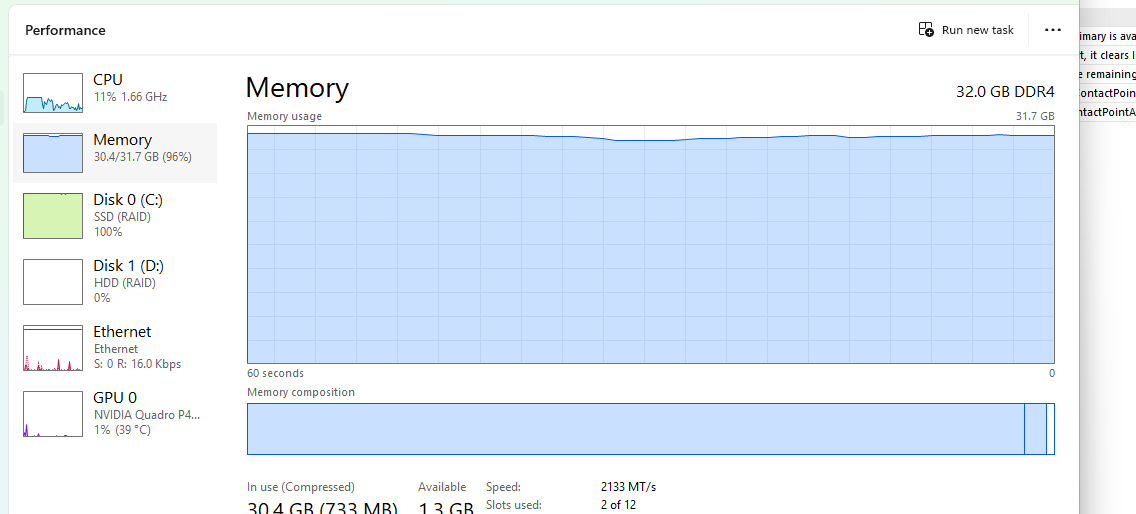
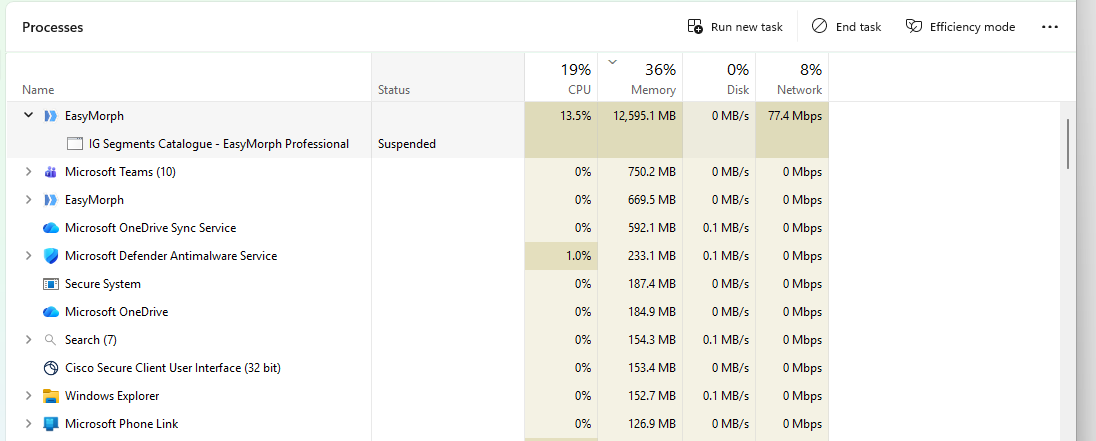
In the last few days, I have been experiencing severe system hangs and complete usage of the memory on my computer.
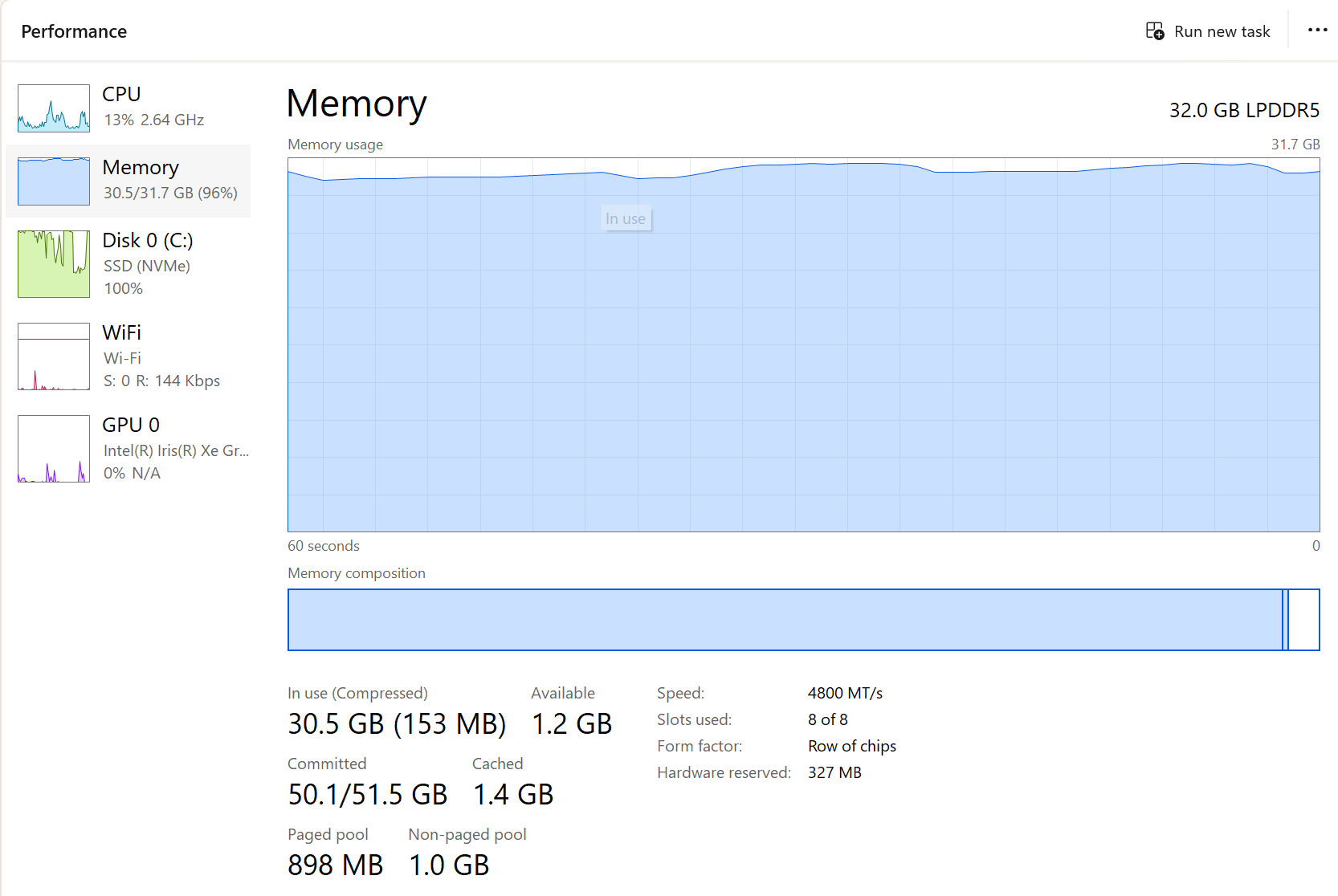
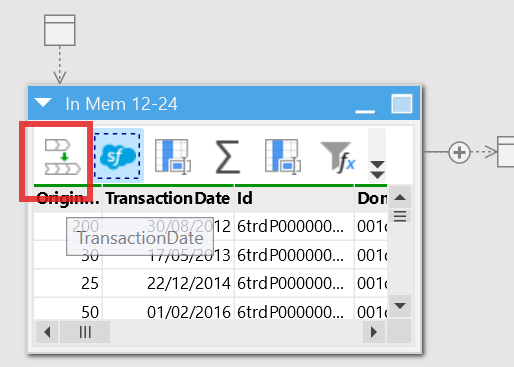
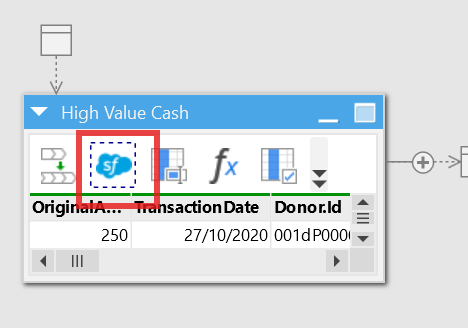
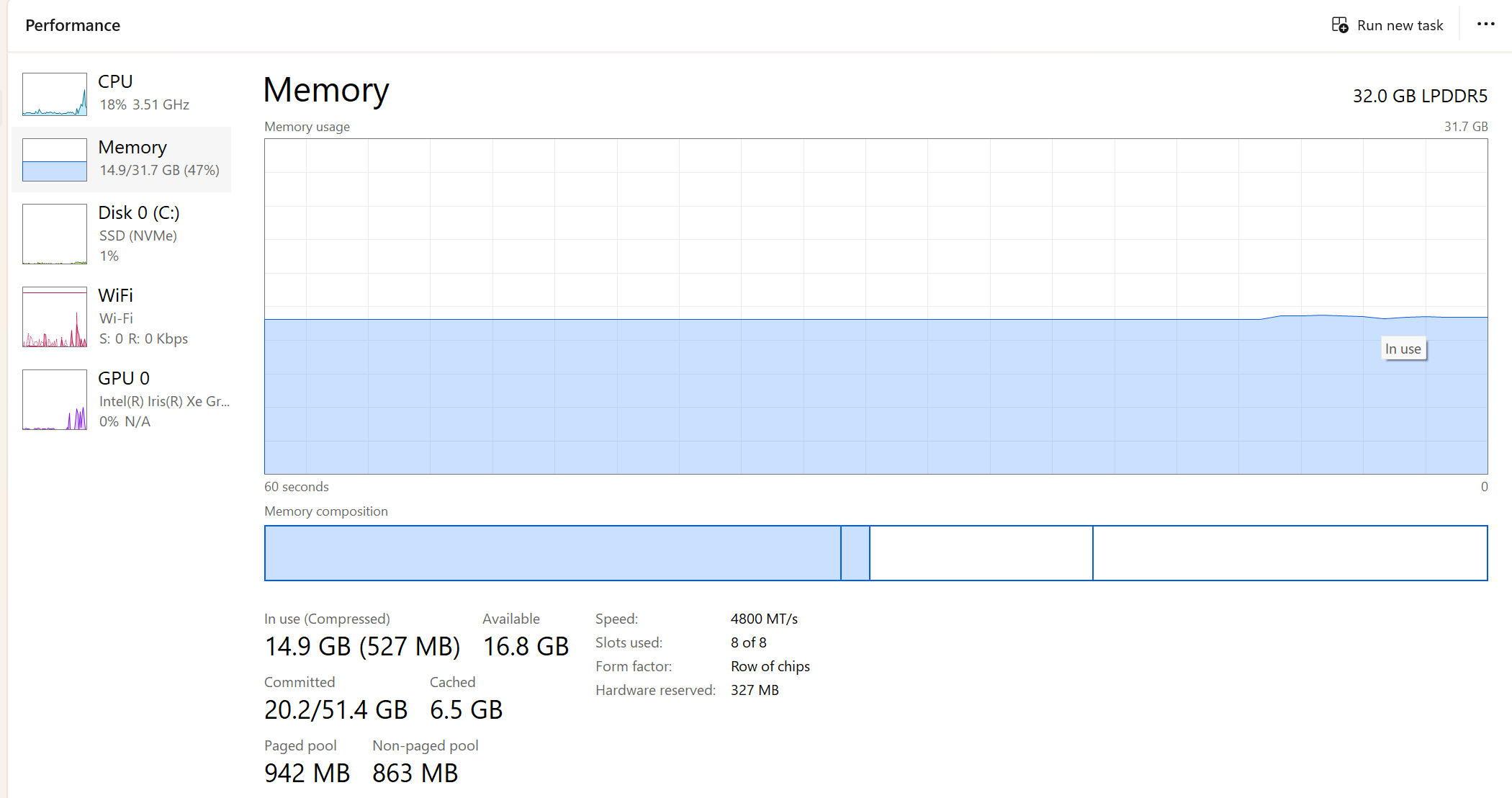
Here are a few screenshots:
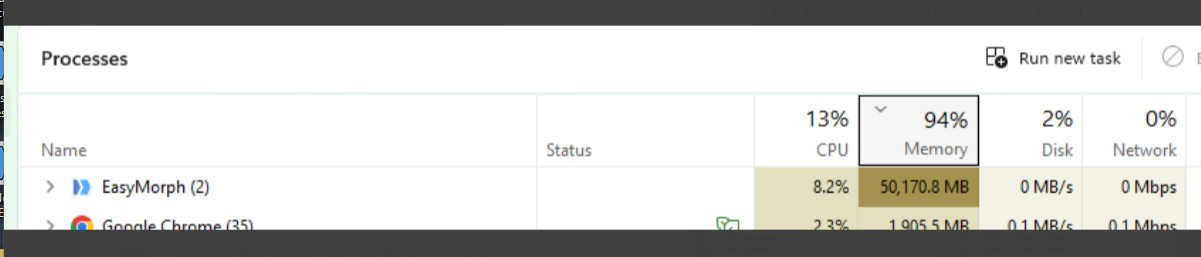
After a 32GB memory upgrade this afternoon,I experienced this:
But I am now experiencing hanging and freezing once again.
Please can you assist or advise?
Nike
Hello @nbegbaaji,
Looks like you are running a memory-intensive project. Is it the same project that previously consumed 12 GB and now consumes 50Gb?
We don't expect the Desktop to release memory when it's idle. This behavior is by design. But it should release memory when another project or application requires it. So there should be no hanging or freezing unless your project is actually consuming all that memory.
Can you please re-run the project that consumes all that memory and monitor the Desktop's memory consumption? Will there be decreases in the amount of memory consumed?
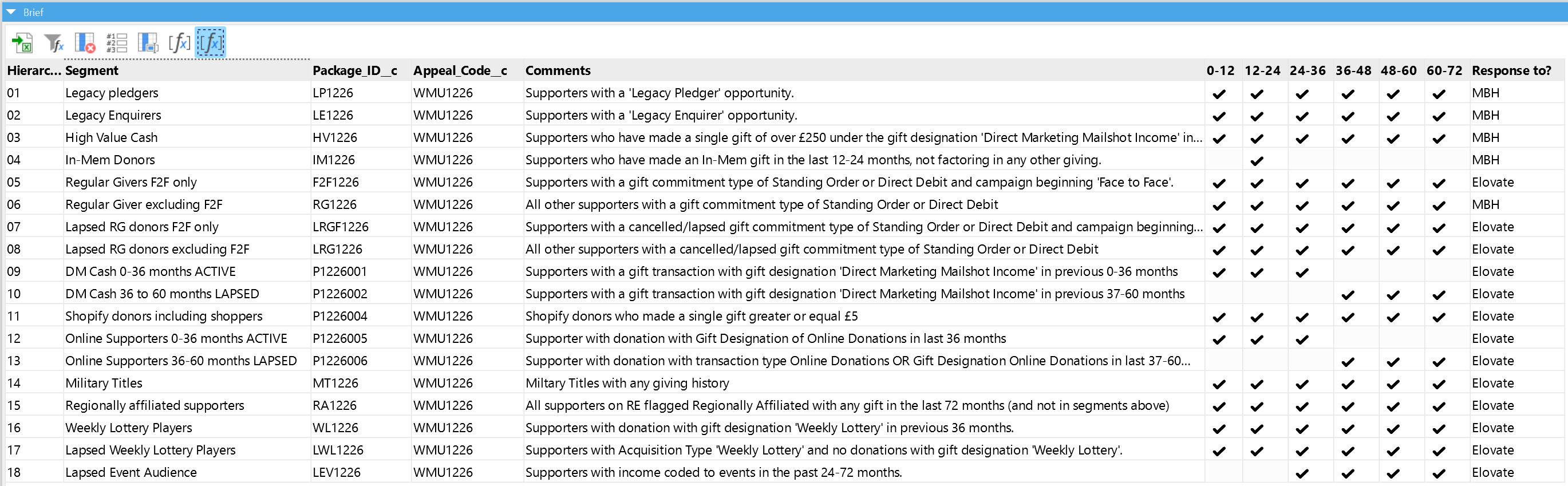
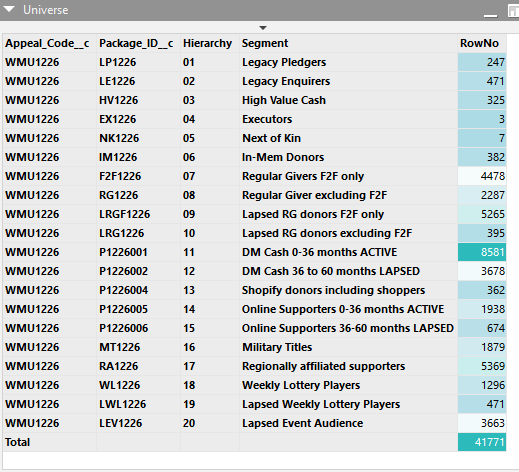
Yes. That's correct. I'm was in the middle of building a segmented campaign that spans 18 different criteria and fetching from Salesforce
Hello @nbegbaaji,
Can you please clarify: have you tried this?
Can you please re-run the project that consumes all that memory and monitor the Desktop's memory consumption? Will there be decreases in the amount of memory consumed?
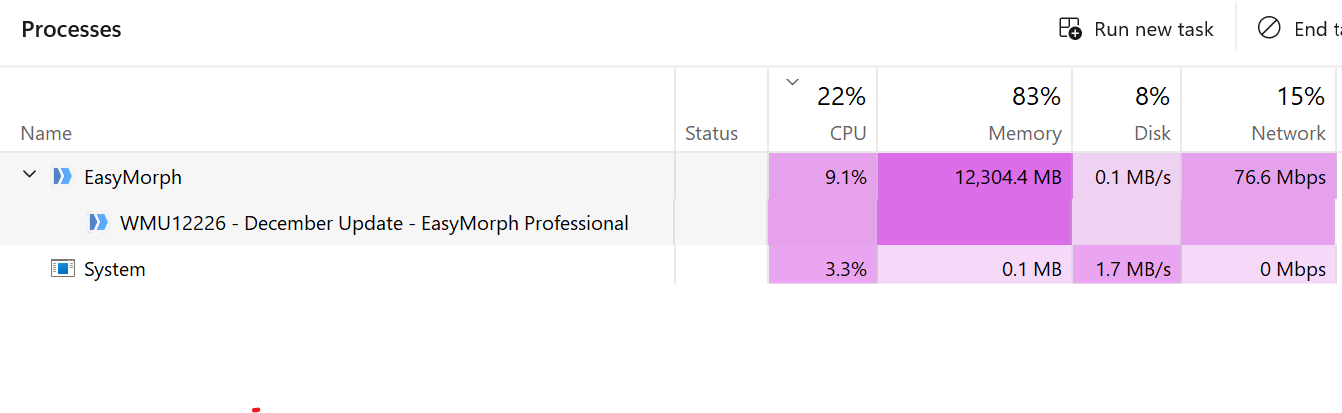
The screen shots and energy consumption screen shots I provided were gathered while running a particular Easymorph profile.
Here are some more:
My data sets are getting larger, as a necessity.
, so this is now becoming a recurring issues
Doi you have any recommendations for bypassing this?
HI Andrew,
I just noticed Gb questions.
Same project yesterday, IG Segments Catalogue but different machines. IG Segments Catalogue is a central hub for multiple marketing campaigns.
I was on a 32Gb DDR4 desktop yesterday then was given a memory upgrade, mid-project, due to the depletion of memory 
I am on a 32GB LFDDR5 laptop today.
I was upgraded (to 64Gb - I believe) yesterday, and initially saw an improvement,
but it was short-lived - and that's when I reached out to Easymorph support.
I stripped IG Segments Catalogue in to a smaller campaign-specific project - WMU1226-December Appeal. So, WMU1226 is a subset of the IG Segments catalogue

But both projects are doing the same thing: performing multiple/simultaneous fetches from different Salesforce objects (depending on the segment) but WMU1226 is doing this on a smaller scale, albeit for 18 segments.
I have been using IG Segments Catalogue.morph, with no issues since February. Memory issues have started this month.
@nbegbaaji, thank you for the details. Have you updated EasyMorph before the issue started to appear? If so, which version were you using previously?
What are the dimensions of the dataset(s) you are fetching from Salesforce?
I'm using version 6.1.0.9
Dimensions of datasets from Salesforce varies each time. It was just under 12,000 yesterday - before the roof came off!  .
I am fetching 18 datasets, transforming fields and deduplicating segments in hierarchy order.
I may have found a solution....
I thought - let's slow down the truck  and turn all the noise down
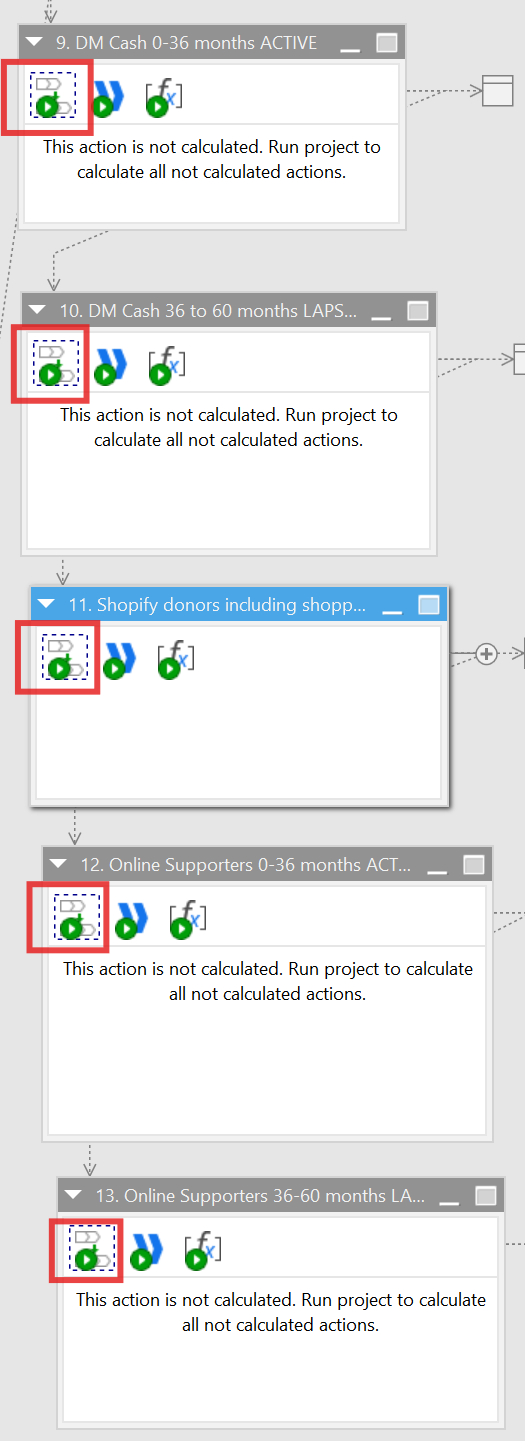
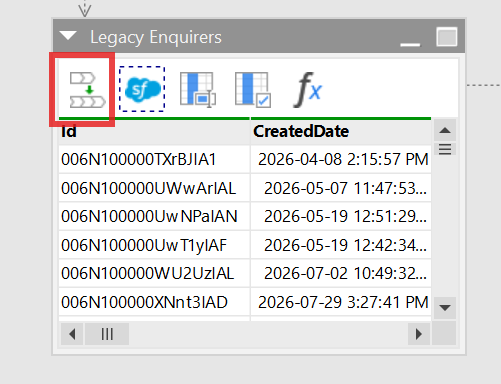
 so ... I turned off my wifi to take EasyMorph offline and I've added a sync to each call or import and turned wifi back on.
and each Salesforce fetch to remove bottle necks and memory overload. This way I can monitor each dataset and intervene if necessary.
As you can see, I successfully fetched each dataset segment with very low memory and power consumption and I'm waiting for the calls from the Segments module to load up. 13 out of 18 have loaded up. It's been a tad slow but its moving, nothing is frozen and most importantly memory consumption remains calm!
..which is a far cry from what I've had ALL day which was EasyMorph constantly updating something but not giving me any data and memory consumption through the roof 
Fingers crossed
I'll keep you posted.
Hi,
I'm still experience memory overload even with the Sync 'speed bumps' in place.
I've also had to completely overhaul the project.
Previously, I fetched segment datasets from Salesforce in one module and called each dataset, sequentially, into a different module
I have now modified the segments module to export each segment datasets into a csv files. I then pick up datasets locally, in the next module.
Are you able to make any suggestions or offer advice on reducing memory overload with EasyMorp?
Hi @nbegbaaji,
Do EasyMorph or other applications still freeze with the new project structure?
If they don't, then it's by design - it's how memory management works in the .NET platform on which EasyMorph is based. EasyMorph should release memory that is occupied but not in use if other applications need it.
Also, can you please elaborate on this:
..which is a far cry from what I've had ALL day which was EasyMorph constantly updating something but not giving me any data and memory consumption through the roof
When a long-running project is running, EasyMorph Desktop displays a window that shows all executed actions and marks those that have completed. Have you checked the windows to see if any actions are being completed?
Yes. Other applications were freezing or lagging, with the new structure and EasyMorph memory consumption went up to about 50-70% per segment (where each segment is a 'fetch' from Salesforce).
I've redesigned the project again to export each segment as a csv file (in this project, 20 files), which I can now import into a different module. The whole project now runs from start to finish in under 10 minutes.
During the high memory consumption stage. The project task progress indicator would say "Updating...".,

simultaneously displaying running and queued actions, but it stayed this way indefinitely until I cancelled or crashed out of Easymorph.
That's the point where I raised this ticket.
Hi @nbegbaaji,
So, only a single data fetch from Salesforce raised memory consumption to 50-70%?
How many rows and columns are fetched in such a case? Does the data contain very long text values or some other unusual values?
As for storing data to CSV, you can also try storing it to our native DSET format ("Export to dataset" and "Import from dataset actions"). It should be even quicker.
As for your initial project that was running indefinitely. Do you happen to have a copy of that version? If so, please share it with us by sending it to support@easymorph.com so we can try to reproduce the issue.
Hii Andrew,
I'll try exporting to Datasets.
Response to other quuestions;
-
Correct. I have 22 segments and each one consumes a quite a bit of memory. Anything from 40-70% on average and impacts other installed applications
-
Number of rows of data varies, depending on the specific criteria and number of objects being joined for the particular segment
-
Data fields being returned are purely biographical: Salutation, FirstName, LastName, Suffix, Mailingtreet, MailingCity, MailingPostCode, MailingCountry, AccountId,Supporter_ID__C
Nike
Hi @nbegbaaji,
Thank you for the details.
Are those 40-70% an EasyMorph consumption or an overall memory consumption?
If it's the former, is that the overall memory consumption?
We are currently working on adding some memory-related diagnostics. Are you planning to update to version 6.2 anytime soon?
Hi,
It's an Easymorph consumption.
Didn't know there was a 6.2
Happy to download and install 6.2.
Nike
Hi @nbegbaaji, 6.2 is already released, but the update notifier has not yet been triggered. We usually trigger the update notification in a few weeks after a release.
We'll let you know when the new diagnostics are available, so you can update.