Hi,
I'm currently working on a QVD generator for a renaming stage. Data is extracted from REST API and stored as QVD files. Those QVD files are then loaded with the files being renamed and some transformations applied, such as creating human-readable date and time fields.
Projects:
NOCONCATENATE LOAD
	msdyn_projectid AS ProjectId,

	Date(Floor(createdon), 'DD.MM.YYYY') AS CreatedOn,
	Date(Floor(modifiedon), 'DD.MM.YYYY') AS ModifiedOn,
	Date(Floor(overriddencreatedon), 'DD.MM.YYYY') AS OverriddenCreatedOn,

	Date(Floor(msdyn_finish), 'DD.MM.YYYY') AS Finish,
	Date(Floor(msdyn_scheduledstart), 'DD.MM.YYYY') AS ScheduledStart,
	Date(Floor(msdyn_taskearlieststart), 'DD.MM.YYYY') AS TaskEarliestStart
FROM
	[lib://01 Extract/MS Planner/Projects.qvd]
	(qvd);
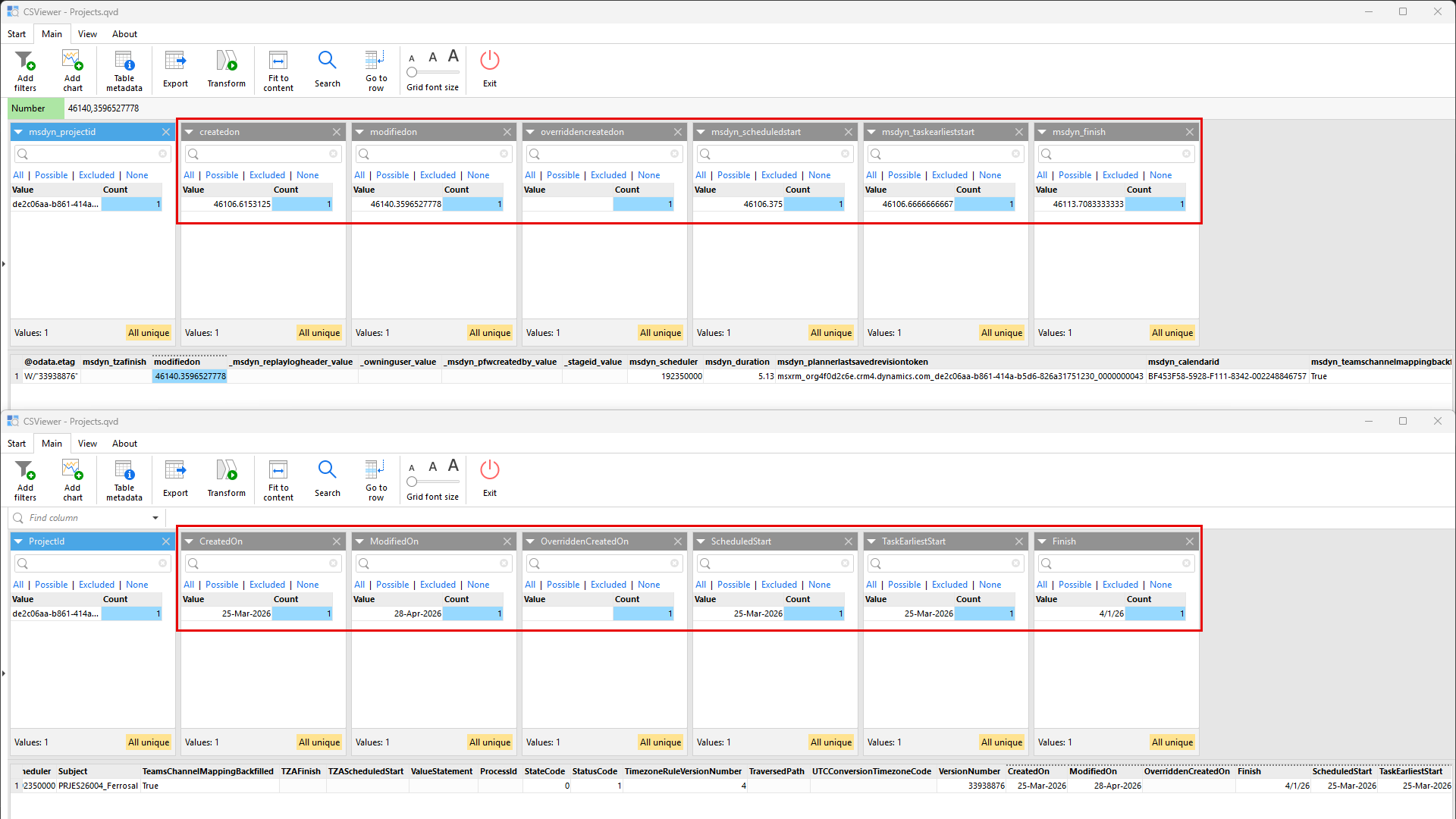
As can be seen, the timestamps are treated all the same. The values are numeric, such as 46106.6153125. In the QVD that is created after the extraction stage, the values shown all in the same format. But not in the QVD that is generated with the code above:
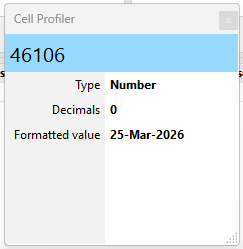
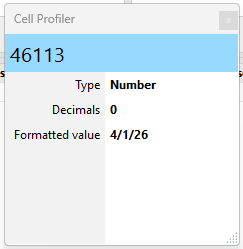
In the Cell Profiler, I'm still seeing the numerical value but different styles for "Formatted value":
I am using the latest greatest version, 2.6.0.4. Why is this happening?
Take care
-Stefan
Hi @Steeefan ,
First, I want to make sure I understand the issue correctly. Is the issue specifically with displayed values/formatting, not with the numeric values?
I assume the second screenshot shows a processed file with QVD number+text duals. In that case, during import CSViewer tries to find a supported text representation that matches the date text in the QVD file. It works best on a large enough sample with a close or direct match to a supported format.
In any case, I agree that this is confusing and needs improvement. If possible, please send the processed file (or both) to support@easymorph.com so we can use it to refine the format detection algorithm in future versions.
For now, manually setting the desired display format is the suggested fix.
Hi @vlad_dzhos,
Your assumption is correct, the issue is only with displayed values/formatting, not with the numeric values. The second "Project.qvd" shown also is indeed a processed file with QVD number+text duals. At the time, there was only one entry that could be retrieved by that API.
I've reviewed the QVD files. They do not contain any sensitive data. I will send them by email.
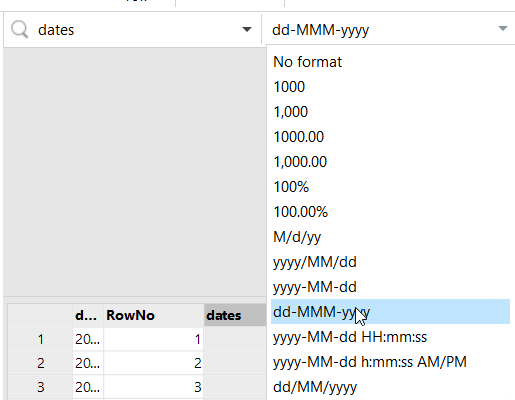
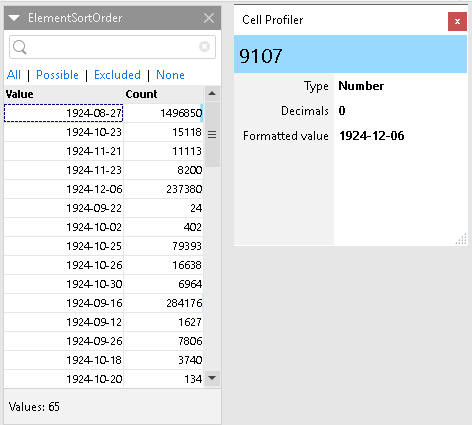
I've noticed this behaviour multiple times already, also with line item values, which are numbers, being shown as dates in the early 1900s. This is not breaking anything, but it can be quite confusing, especially when showing it to my internal customers on calls. I could however not immediately find that example, but here is another one with ElementSortOrder, which is clearly not a date, being represented as one:
That however is a QVD file that I cannot share.
Take care
-Stefan
Hi @Steeefan ,
Thank you for the additional context and for sharing the sample files.
The ElementSortOrder column is similarly having its format inferred as a date because all values fall within the numeric OA Date range that could be interpreted as dates: 7306 to 80355, which represents 1920-01-01 through 2120-01-01.
We will discuss internally how we can improve the heuristic to be stricter when detecting numeric value formats.
Thanks