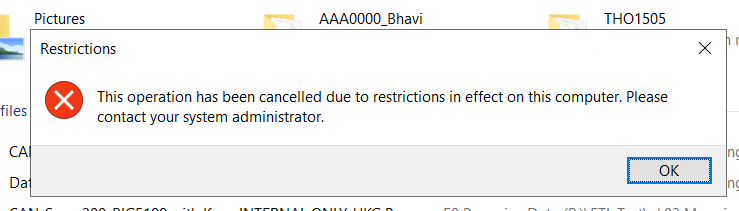
I’ve installed EasyMorph in a Citrix environment and activated it using a key file. However, I don’t have access to the installation folder or the local drive paths where EasyMorph stores its configuration files.
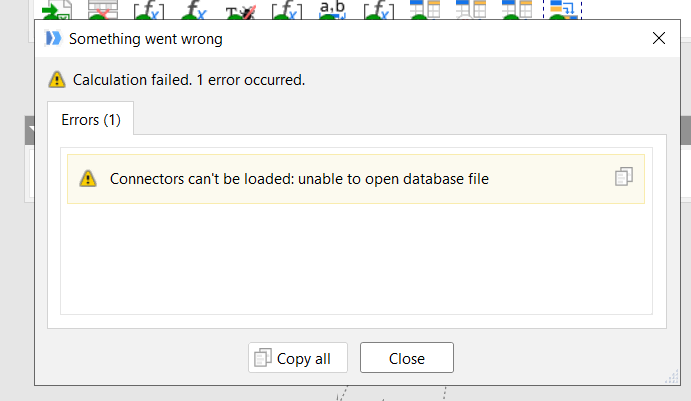
When I run my project, I get this error:
Connectors can’t be loaded: unable to open database file
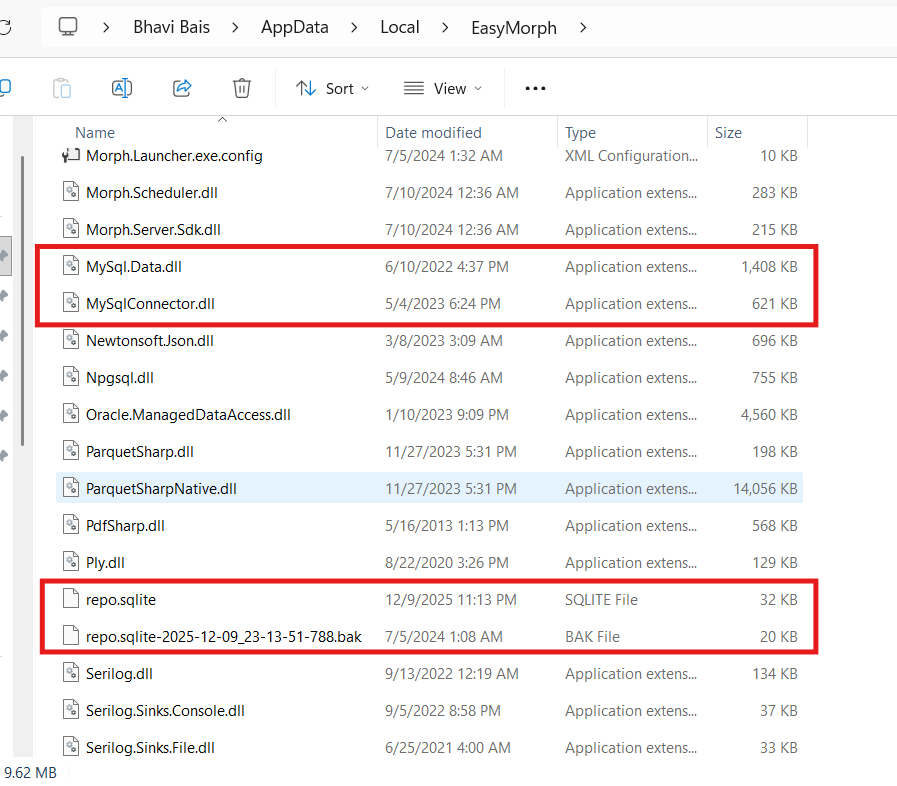
From what I’ve found online, this error usually occurs when EasyMorph can’t access the user‑profile repository (repo.sqlite) or the connectors folder. In my case, Citrix restrictions prevent access to certain paths (including AppData\Local), and I suspect EasyMorph is unable to read/write the files highlighted in the screenshot (e.g., repo.sqlite).
Has anyone faced this issue in Citrix?
Is there a recommended way to configure EasyMorph so it can access the connector repository, or does IT need to whitelist the EasyMorph AppData folder?
Any guidance would be appreciated.