Hi,
I’m trying to configure the Computed File Asset on Catalog.
I have lots of txt files that are named according: network\[database_name]_[schema_name]_[object_name].txt
When I Retrieve it, I receive an ‘Error occurred’ message, so I’m going wrong somewhere.
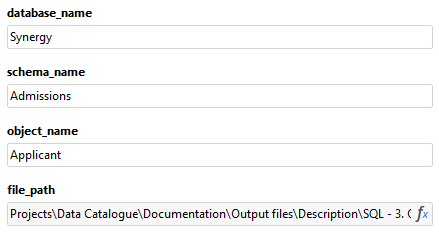
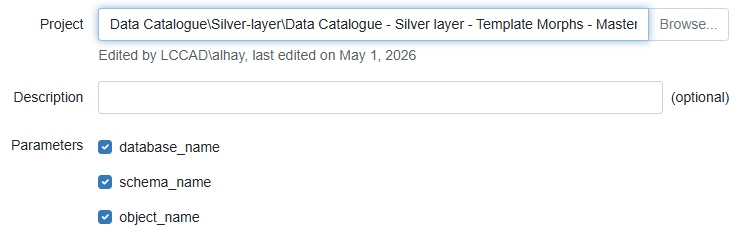
Here’s some screenshots of my morph and Asset:
I first started with an Absolute path but then read it needed to be a Relative path, I’m not sure how to get to this.
Thanks!
The relative path should be relative to the project file. Try copying the file to the Public folder first, then return the path from the Public folder, not the network location.
If you see an error message, post it here.
thanks Dmitry (and Oleksandr via email), managed to fix this one.
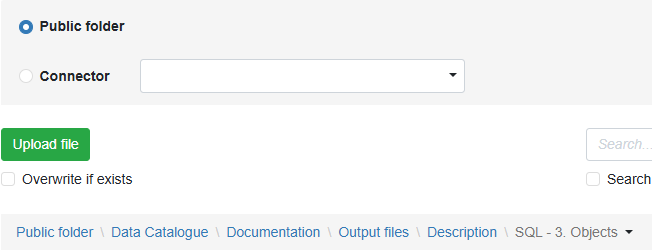
For others benefit, my file_path didn’t factor in the Public Folder of the Space correctly, which is the key step as the target txt files (for the Computed File Asset) need to be accessible via the Public Folder.
Once I’d got that, I just needed to specify the folder path of the files relative to the Public Folder, in this case:
Data Catalogue\Documentation\Output files\Description\SQL - 3. Objects\