I wonder if anyone has insight as to why a UNC file share from Azure would work on the server desktop but not through the easymorph server UI.
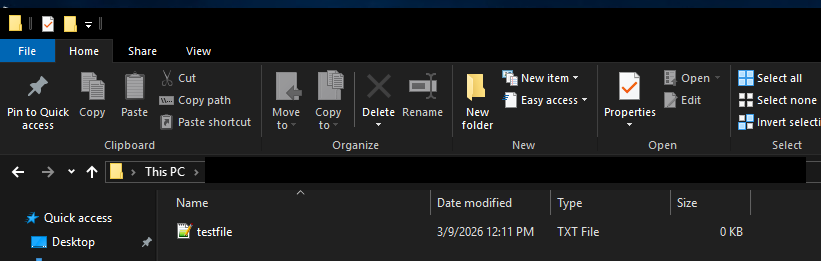
This is the folder view when logged into the easymorph server desktop.
This is the same path, just run from the server UI.

By default, EasyMorph Server runs under the LOCAL SERVICE user account, which most likely doesn't have access to the share. If your EasyMorph Server version allows creating Workers, it's better to create a worker with an appropriate Windows account, create a new space with that worker, or assign that worker to an existing space, and run the task from that space.
As an alternative, you can try to give the LOCAL SERVICE account access to that share, but I'm not sure if it will work with non-local shares.
The server is actually setup to run under a user account. That account does have access to the share. It’s only when called from the server does it throw that error. If I remote into the server with that user, I can access the share via the EM desktop app. It’s strange.
In some aspects, a Windows service authenticates and works differently from a logged-in user session. That might be the reason for the error only in EM Server. We'll have to discuss internally if we can do something here.
1 Like
Thank you. I’m happy to test anything, just let me know.
When I make the call from the server web page, I’m assuming that call goes via API. Is it using SMB?
The call goes via the EasyMorph Server's API. Internally, it just makes Win32 API call in the same way as with local folders. I assume that Windows then uses SMB to access the share.
1 Like
Yeah, we think it has to do with SMB access. I have our IT looking into it, but they’re kind of at a stop with what to do next.