hi @cigierre
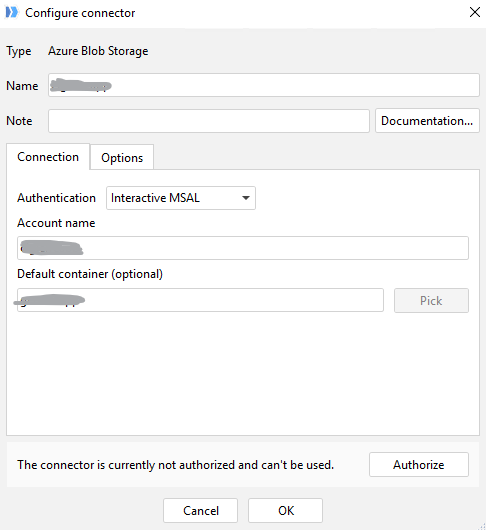
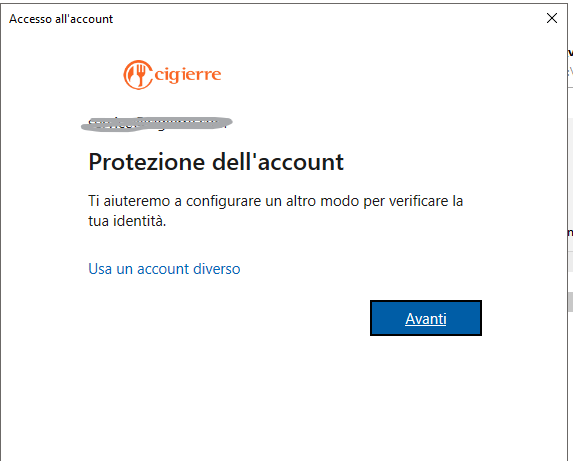
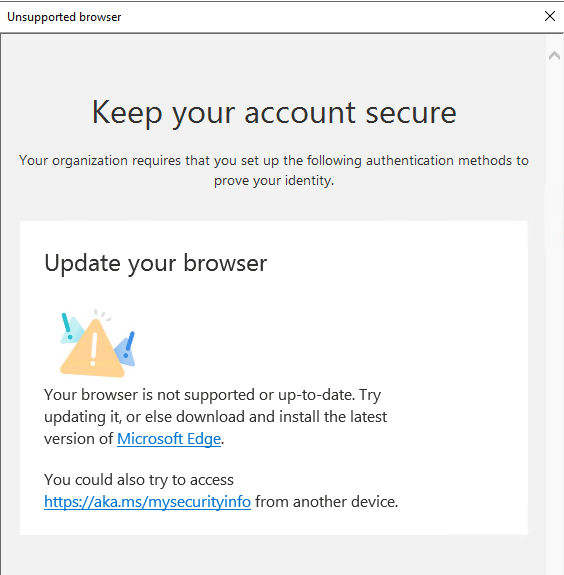
Please complete your Microsoft security verification setup outside the EasyMorph first.
- open My Sign-Ins or https://myapps.microsoft.com in the latest Microsoft Edge.
- Finish any required MFA / security-info registration.
- Close and reopen EasyMorph, then sign in again.
If it still fails, please send us:
- your Windows version/build
- whether this is Windows Server